1
Chapter 5. Creating Original Sounds (Patch Edit)
Making More Detailed Settings
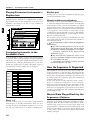
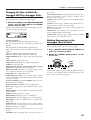
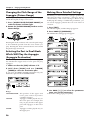
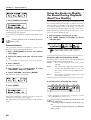
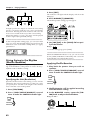
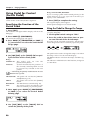
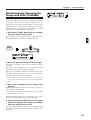
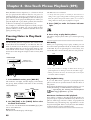
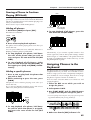
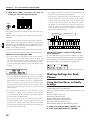
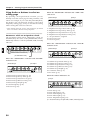
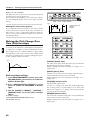
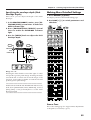
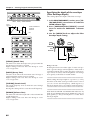
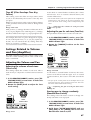
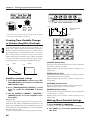
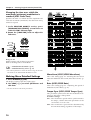
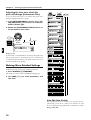
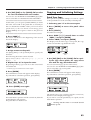
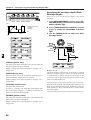
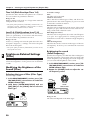
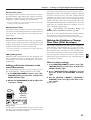
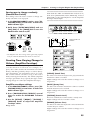
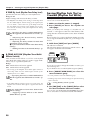
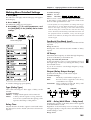
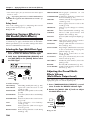
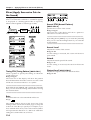
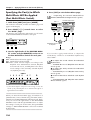
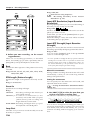
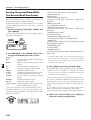
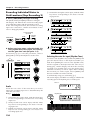
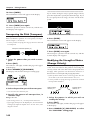
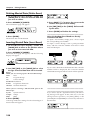
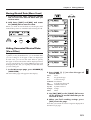
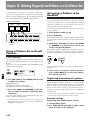
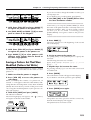
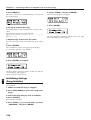
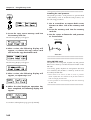
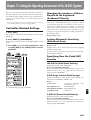
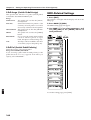
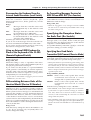
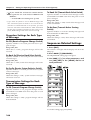
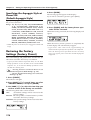
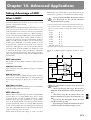
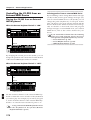
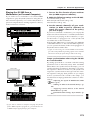
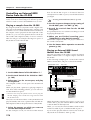
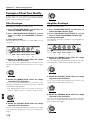
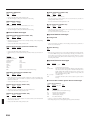
1. Press NUMBER [4] (FILTER).
The display will show the FILTER setting page.
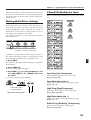
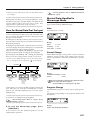
2. Use PAGE [<] [>] to switch parameters and
edit them.
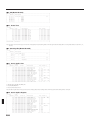
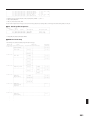
fig.5-31 (#MC fig.3-30)
EDIT
4
PAGE
FILTER
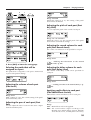
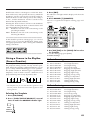
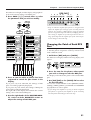
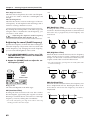
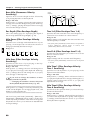
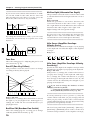
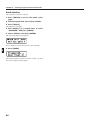
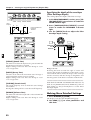
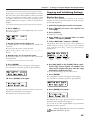
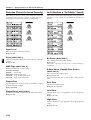
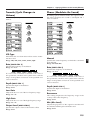
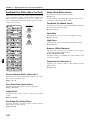
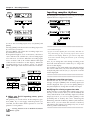
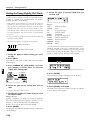
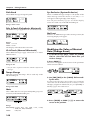
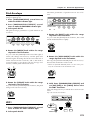
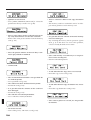
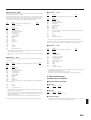
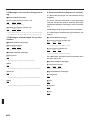
This is the setting page for “Selecting the type of filter
(Filter Type)” (p. 61).
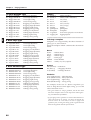
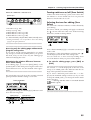
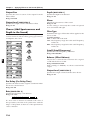
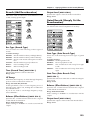
Cutoff (Cutoff Frequency)
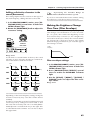
This is the setting page for “Brightening the sound
(Cutoff Frequency)” (p. 62).
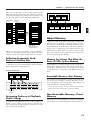
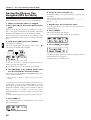
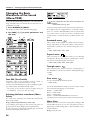
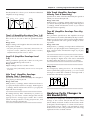
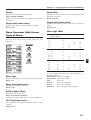
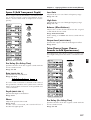
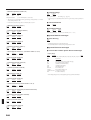
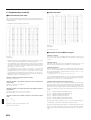
Cutoff KF (Cutoff Frequency Key Follow)
CLP
LOWER
FX ON/OFF
Type (Filter Type)
UPPER
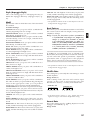
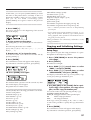
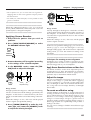
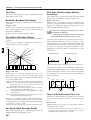
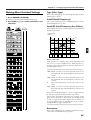
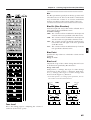
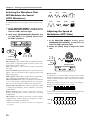
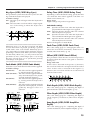
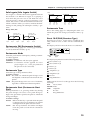
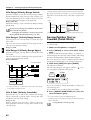
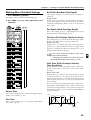
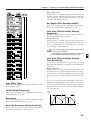
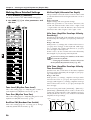
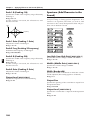
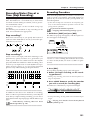
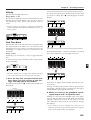
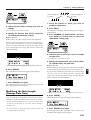
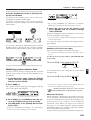
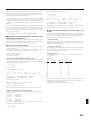
This setting causes the cutoff frequency to be affected
by the key position.
fig.5-32TEXT (=MC fig.3-31)
Cutoff frequency
(Octave)
+200
+100
+2
+50
+1
0
o
-1
-50
5
-2
C1
C2
C3
C4
C5
C6
-100
C7
Key
Range: -100–+200
With positive (+) settings, the cutoff frequency will
also rise as you play higher notes. With negative (-)
settings, the cutoff frequency will become lower as
you play higher notes.
●●●●●●●●●●●●●●●●●●●●●●●●●●●●●●●●●●●●●●●●●●●●●●●●●●●●●●●●●●●●●●●●●●●●●●●●●●●●●●●●●●●●●●●●●●●●●●●●●●●●
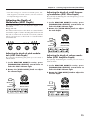
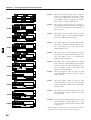
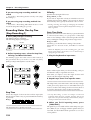
+100: When you move 12 notes upward from C4 on
the keyboard, the cutoff frequency will rise one
octave.
+200: When you move 12 notes upward from C4 on
the keyboard, the cutoff frequency will rise two
octaves.
0:
The cutoff frequency will be the same for all
notes.
-100: When you move 12 notes upward from C4 on
the keyboard, the cutoff frequency will fall one
octave.
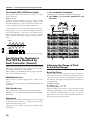
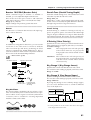
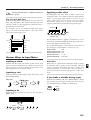
If you set Cutoff Frequency to a value of approximately “64,” the key follow effect will be easy to hear.
On acoustic instruments, the tone also changes as the
pitch moves upward or downward. For example, the
sound of a piano becomes slightly more mellow as
you play higher notes. To simulate this type of effect,
set Key Follow to approximately 70.
●●●●●●●●●●●●●●●●●●●●●●●●●●●●●●●●●●●●●●●●●●●●●●●●●●●●●●●●●●●●●●●●●●●●●●●●●●●●●●●●●●●●●●●●●●●●●●●●●●●●
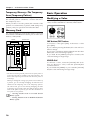
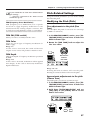
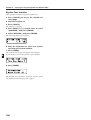
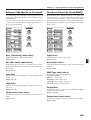
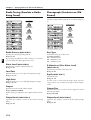
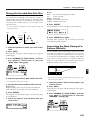
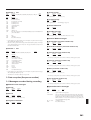
Resonance
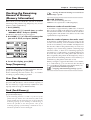
This is the setting page for “Adding a distinctive character to the sound (Resonance)” (p. 63).
65