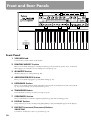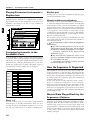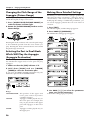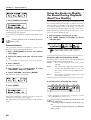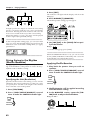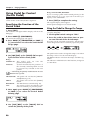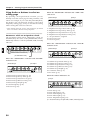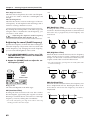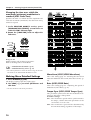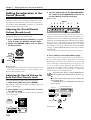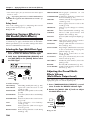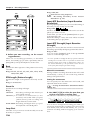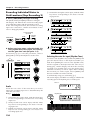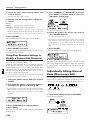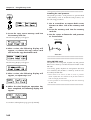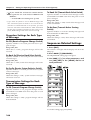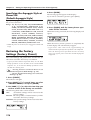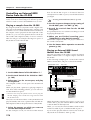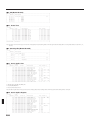
1
10
VALUE
14
15
16
GROUP
PART
EDIT/UTILITY
PRESET
PAGE
PREV
USER
PART
SELECT
NEXT
PART
MUTE
MUTE
CTRL
EDIT
UTILITY
CARD
SPLAY
RPS
SET
UPPER
SHIFT
UNDO
/ REDO
9
BEAT
TN /
ONG
LOWER
DEC
TEMPO &
MEASURE
QTZ SELECT
BANK
ERASE
INC
EXIT
ENTER
DEMO
8
EP REC
9
10
11
12
11
13
14
1
2
2
3
3
4
4
5
5
6
6
7
7
WRITE
8
R
S E T U P
KEYBOARD
EFFECTS
PART
ARPEGGIO
CONTROLLER
MIDI
SEQUENCER
SETUP
TONE SWITCH
1
2
3
4
1
2
3
4
NUMBER
13
MIXER
1
FX ON /OFF
1
BD
2
SD
3
HH
4
CLP
5
CYM
6
TOM/PERC
7
HIT
8
OTHERS
PTN / SONG
COPY
DELETE
INSERT
ERASE
TRANSPOSE
CHG EVENT
QUANTIZE
VIEW FILTER
P A T C H
COMMON
WAVE
PITCH
FILTER
AMPLIFIER
LFO
CONTROL
RHY TONE
12
15
PART
SYSTEM
TONE SELECT
RHYTHM
PAT TERN
17
16
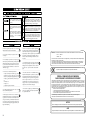
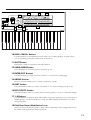
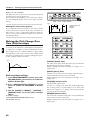
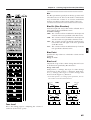
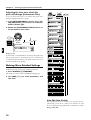
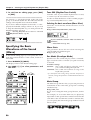
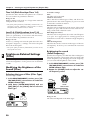
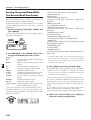
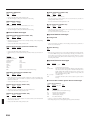
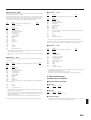
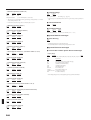
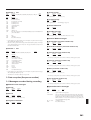
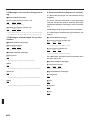
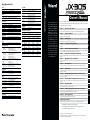
10 PAGE</PAGE> Buttons
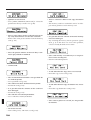
Use these buttons to switch between levels of the various setting displays. In pages where
you are assigning a name, these buttons move the cursor.
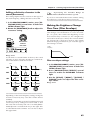
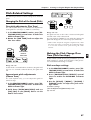
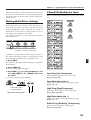
11 SHIFT Button
This button is used in conjunction with other buttons.
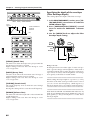
12 UNDO/REDO Button
Press this button to cancel the previous operation (p. 17).
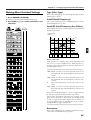
13 ENTER/EXIT Buttons
Use these buttons to execute/cancel an operation, or to exit from a setting page.
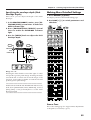
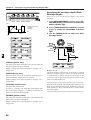
14 GROUP Section
Here you can select the group for sounds or patterns (p. 18, 30).
15 PART Section
Press these buttons when you wish to use buttons 1– 8 to select or mute parts (p. 18, 32).
16 EDIT/UTILITY Section
Press these buttons when you wish to edit a sound or pattern, or to store or initialize settings.
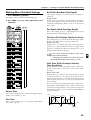
17 1–8 Buttons
Use these buttons to select the bank and number of a patch or pattern (p. 18), to select parts or
rhythm groups, or to switch muting on/off (p. 32). When editing, these buttons are used to
select parameters.
18 Pitch Bend Lever/Modulation Lever
This lever lets you modify the pitch or apply vibrato. Depending on the settings, this can also
be used to control specific parameters (p. 22, 47).
11