1
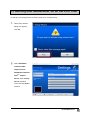
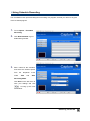
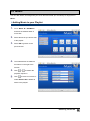
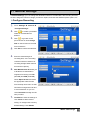
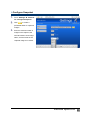
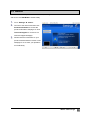
Configure Snapshot 1. 2. Go to “Settings” “General” “Configure Snapshot”. Click to locate a preferable folder for captured images. 3. Enter the desired number of images to be captured, the interval between each image taken, and the format of the captured image to be saved. Advanced Operations 29