1
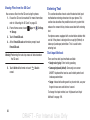
Google Play Music
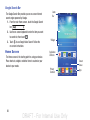
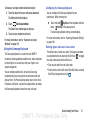
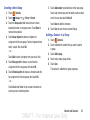
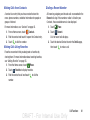
2. Touch the video that you want to play.
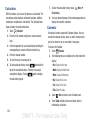
With Google Play Music, you can play music that you have
added to your music file as well as any music you copied
from your PC. While offline, you can listen to music you have
copied from your PC.
Apps ➔
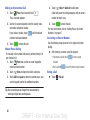
1. From a Home screen, touch
Play Music.
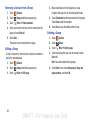
2. Follow the on-screen instructions to locate and play
music.
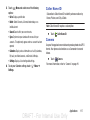
3. To configure Play Music settings, touch
➔ Settings.
4. For more information, touch
The video will begin to play.
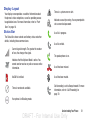
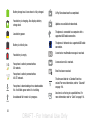
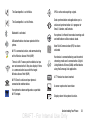
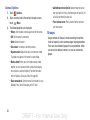
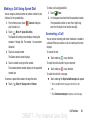
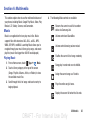
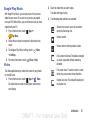
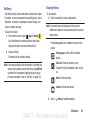
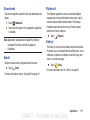
3. The following video controls are available:
Streams the current music file to another
device via Samsung Link.
Volume control.
Volume control showing volume muted.
Menu
Menu ➔ Help.
Video
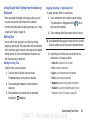
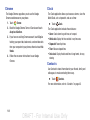
The Video application plays video files stored on your phone
or microSD card.
Apps ➔
Video.
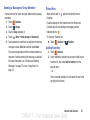
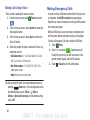
1. From a Home screen, touch
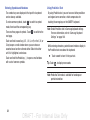
All videos that you have on your phone and memory
card display.
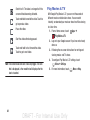
Full-screen in ratio view. The video is enlarged
as much as possible without becoming
distorted.
Full-screen view. The entire screen is used,
which may cause some minor distortion.
Original size view. The video will be played in
its original size.
DRAFT - For Internal Use Only
Multimedia
87