1
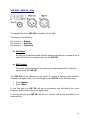
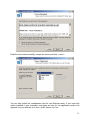
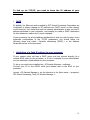
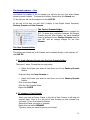
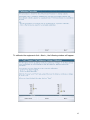
III-2 – First settings The first thing to do is to set the input levels. 1. Setting the levels Level settings for the process 1 In the « Level » select, at the top right of the dialogue box ‘’Process For’’ the left output (Out Left). The parameters for audio I/O for the selected input will be validated. For the input apply, or not the phantom power delivered by the VVP III and you can adjust the sensitivity and the phase (+/- 180°) of the input from your microphone. For the outputs adjust the analogue and digital levels. 56