1
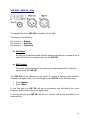
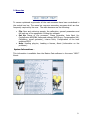
2. Menu bar To ensure optimized ergonomics all the main accesses have been centralized in the central icon bar. The menu bar regroups secondary accesses which are less frequently required by the user. The main accesses are the following: File: Save and retrieving presets, the calibration, general parameters and full back-up of the equipment. Exiting the software. Set Up: Name of the processor, Phase Scrambler, Auto Back Up, Configuration AES/EBU, Advanced settings (AES Errors, Compensation Sub, Calibration, signal generator), interne clock, Configuration of the local switches/GPIO. Help: Loading plug-ins, Loading a license, About (information on the processor). System Informations : This information is available from the Master Gate software in the menu "HELP" About. 51