1
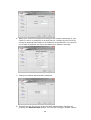
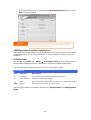
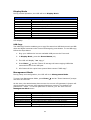
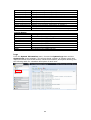
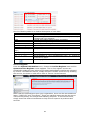
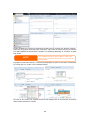
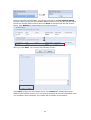
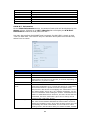
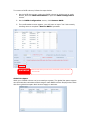
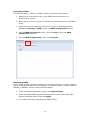
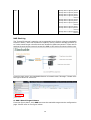
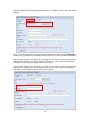
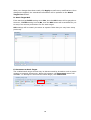
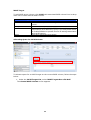
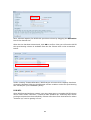
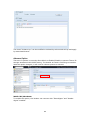
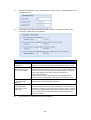
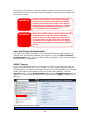
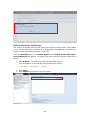
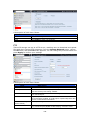
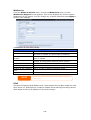
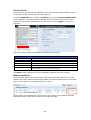
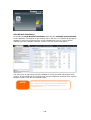
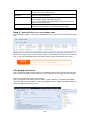
The Browseable setting will be same method of setting for system share folder. It
designates whether or not this folder will be visible through web disk. You may refer
the figures below for reference when Yes and No are selected.
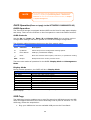
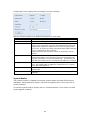
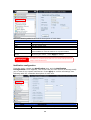
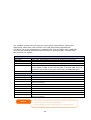
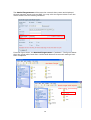
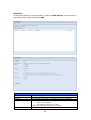
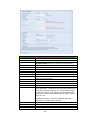
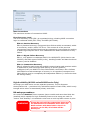
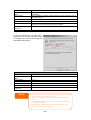
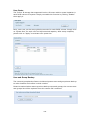
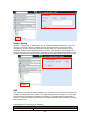
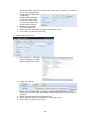
The Public setting will be set same as what the setting for the system share folder
associated with the ACL permission setup. If Public is set to Yes, all users will be
able to access it, and ACL button will be grayed out. If Public is set to No, the ACL
button will be available on the Stack Target List window.
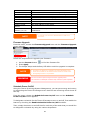
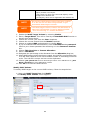
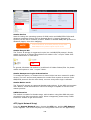
Click Apply to save your changes.
B. Activate a Stack Target
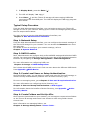
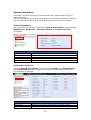
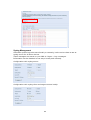
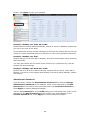
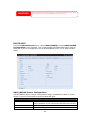
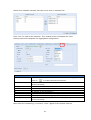
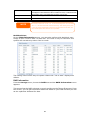
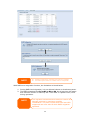
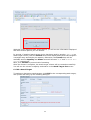
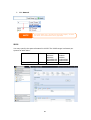
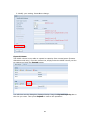
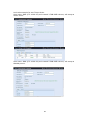
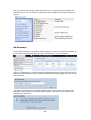
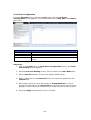
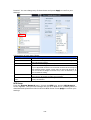
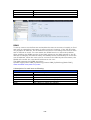
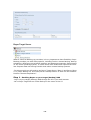
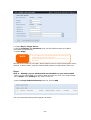
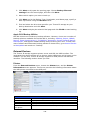
After your settings have been applied, the system will bring you back to Stack
Target List window as shown below. There is one stack target device has been
attached into this stack master.
76