1
System Information
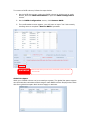
Information provides viewing on current Product info, System Status, Service
Status and Logs.
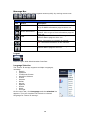
The menu bar allows you to see various aspects of the Thecus IP storage. From here,
you can discover the status of the Thecus IP storage, and also other details.
System Information
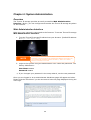
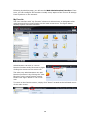
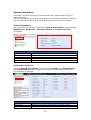
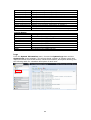
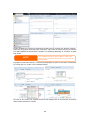
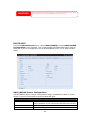
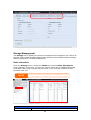
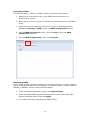
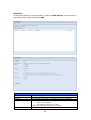
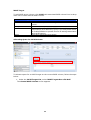
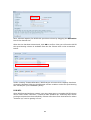
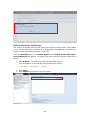
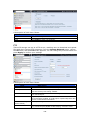
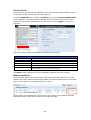
Once you login, you will first see the basic system Information screen providing
Manufacturer, Product No., Firmware Version, and System Up Time
information.
System Information
Item
Description
Manufacturer
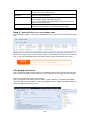
Displays the name of the system manufacturer.
Product No.
Shows the model number of the system.
Firmware version
Shows the current firmware version.
Up time
Displays the total run time of the system.
System/Service Status
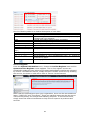
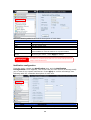
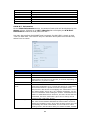
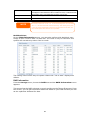
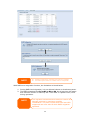
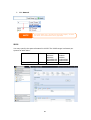
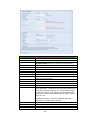
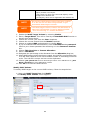
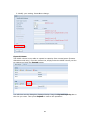
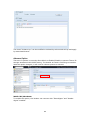
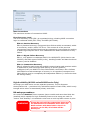
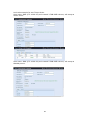
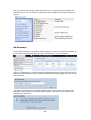
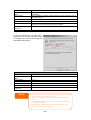
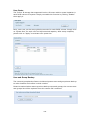
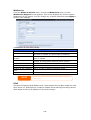
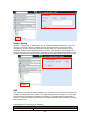
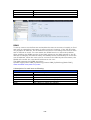
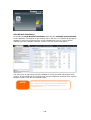
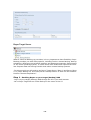
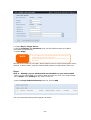
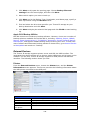
From the System Information menu, choose the Status item, System Status
and Service Status screens appear. These screens provide basic system and
service status information.
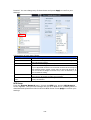
System Status
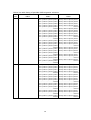
Item
CPU Activity
CPU Fan Speed
Description
Displays current CPU workload of the Thecus IP storage.
Displays current CPU fan status.
39