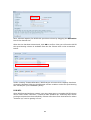
1
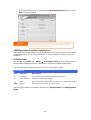
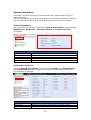
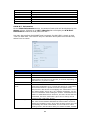
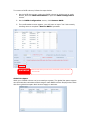
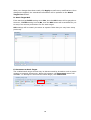
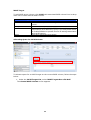
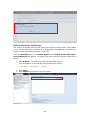
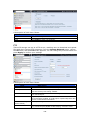
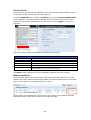
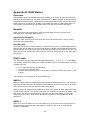
Protocol. You can change any of these items and press Apply to confirm your
settings.
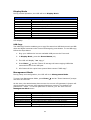
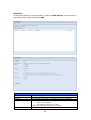
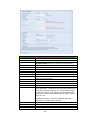
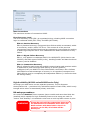
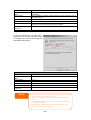
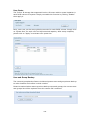
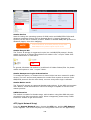
A description of each item follows:
Apple Network Configuration
Item
Description
AFP Server
Enable or disable Apple File Service to use Thecus IP storage with
MAC OS-based systems.
MAC CHARSET
Specifics the code page from drop down list
Zone
Specifies Zone for Applet Talk service.
If your AppleTalk network uses extended networks and is assigned
with multiple zones, assign a zone name to Thecus IP storage. If
you do not want to assign a network zone, enter an asterisk (*) to
use the default setting.
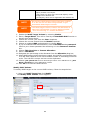
Time Machine
Enable checked box while you like to backup you MAC system to
have Thecus IP storage as MAC time machine
Time Machine backup
Select from drop down list to designate the folder for time machine
folder
backup destination
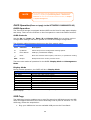
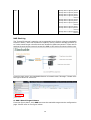
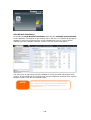
NFS Setup
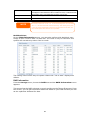
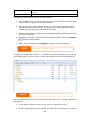
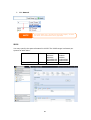
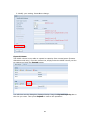
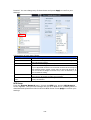
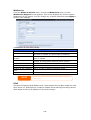
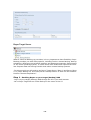
From the System Network menu, choose the NFS item, and the NFS Support
screen appears. The Thecus IP storage can act as an NFS server, enabling users to
download and upload files with the favorite NFS clients. Press Apply to confirm your
settings.
115