1
INSTALLATIONS
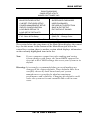
Installing the CPU
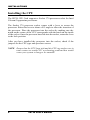
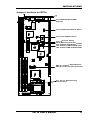
The IB730 CPU Card supports a Socket 370 processor socket for Intel
Celeron/Coppermine processors.
The Socket 370 processor socket comes with a lever to secure the
processor. Raise this lever to about a 90° angle to allow the insertion of
the processor. Place the processor into the socket by making sure the
notch on the corner of the CPU corresponds with the notch on the inside
of the socket. Once the processor has slide into the socket, return the lever
to the lock position.
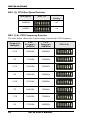
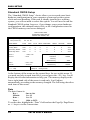
After you have installed the processor into the socket, check if the
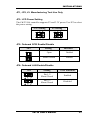
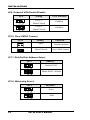
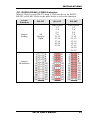
jumpers for the CPU type and speed are correct.
NOTE: Ensure that the CPU heat sink and the CPU top surface are in
total contact to avoid CPU overheating problem that would
cause your system to hang or be unstable.
6
IB730 User’s Manual