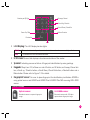
1
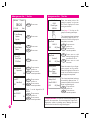
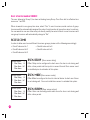
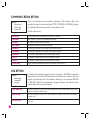
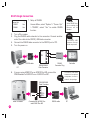
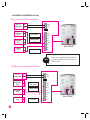
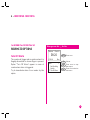
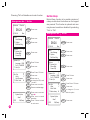
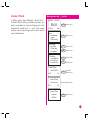
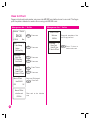
Help Key
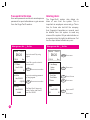
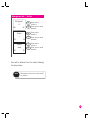
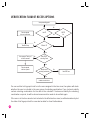
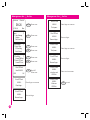
User may choose to enable the Help Key by
choosing “Yes”. The Help Key is to be used
when the ID of the duress finger is different
from the ID of the normal clocking activities.
Alarm will be triggered when user press the
down key button for 3 seconds followed by a
duress fingerprint on the scanner.
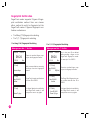
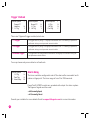
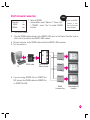
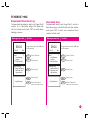
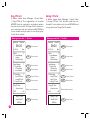
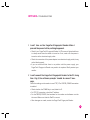
Trigger Methods
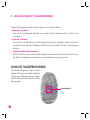
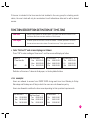
There are 3 types of trigger method by using duress finger which user can choose
from:
• 1:1 Trigger
To be used when user always use 1:N for
normal clocking activities.
• 1:N Trigger
To be used when user always use 1:1 for
normal clocking activities.
• Password Trigger
To be used when user always use both
methods for normal clocking activities.
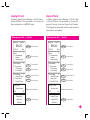
User may choose to select only one trigger method. These trigger methods are
to be used if the ID for the duress finger
is the same as the ID of the clocking activities.
52
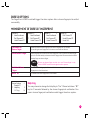
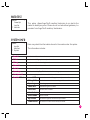
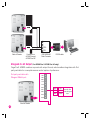
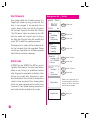
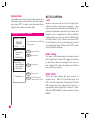
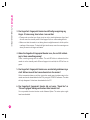
Duress Delay
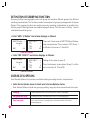
User can set the timer to trigger alarm after a
successful verification of a duress finger. The
timer can be set from 0 to 255 seconds and
the alarm will goes off when the time is up.
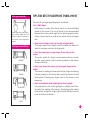
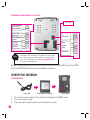
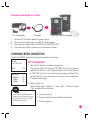
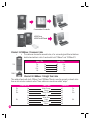
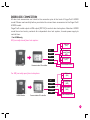
Access Control
FingerTec® reader can control any digital
lock or EM-lock that consumes 12V of power
and current of less than 1A.
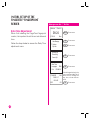
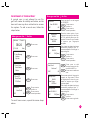
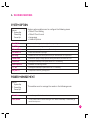
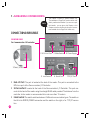
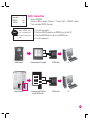
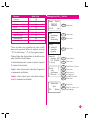
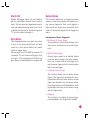
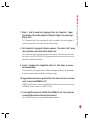
Setup Lock Function
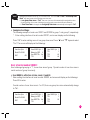
In Access menu, select “Options” > “Access
Options” > “Lock”. The value of lock setting is
the time period of a lock opens before it closes
again; one unit value is 20ms. The value is between 0-254 where “0” means no lock opening signal is emitted and 254 is equivalent to
5s waiting time before the door closes.