1
5. Communication Software Guideline
Software Operation
―
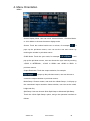
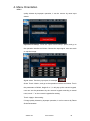
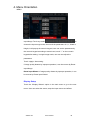
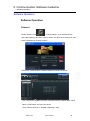
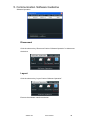
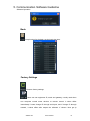
‖, or put the mouse on any window, right click the mouse, select the
―Close All‖.
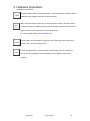
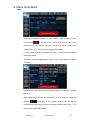
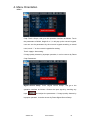
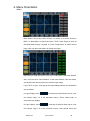
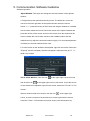
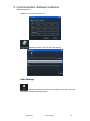
Hierarchical relations between windows: After creating the windows, the
hierarchical relations can be changed by the following: click the shortcut key
―
‖ or ―
‖. Or put the mouse on the window to be adjusted, right click
the mouse, select the ―Bring layer to Front‖, ―Send layer to Back‖, ―Layer
Forward‖ or ―Layer Backward‖, the window can also be set as BackGround.
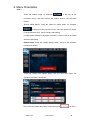
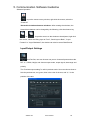
Input/Output Settings
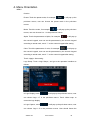
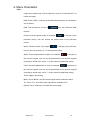
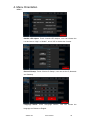
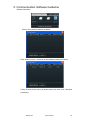
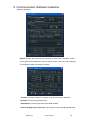
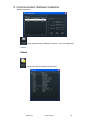
: Out Port Set, user can choose one port or choose all ports and set the
DE. X, Y, Width, Height, and choose output mode, output signal, data range and
polarity.
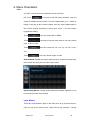
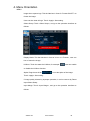
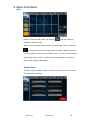
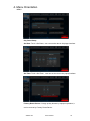
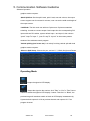
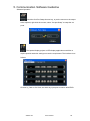
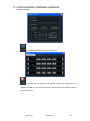
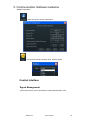
The ―Preview output setting‖ is valid in preview mode. User can choose show or
hide the preview text, red, green, blue is the color of the text, and X, Y is the
position of the text.
VENUS X3
User Manual
63