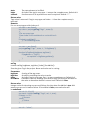
1
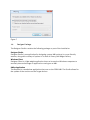
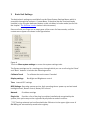
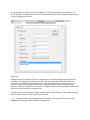
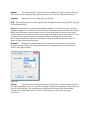
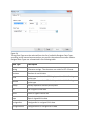
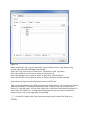
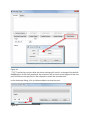
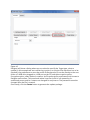
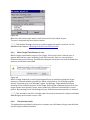
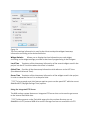
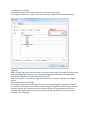
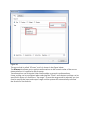
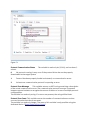
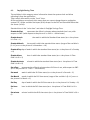
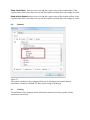
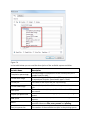
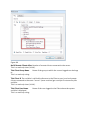
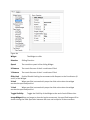
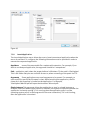
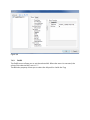
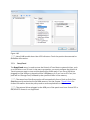
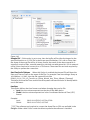
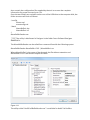
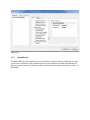
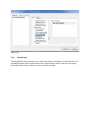
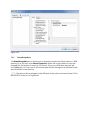
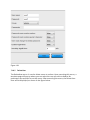
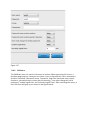
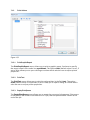
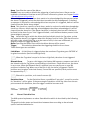
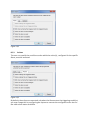
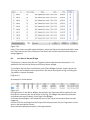
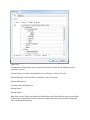
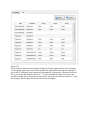
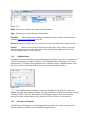
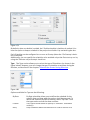
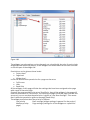
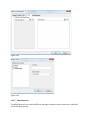
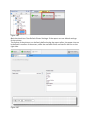
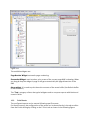
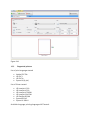
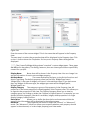
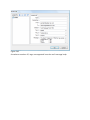
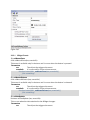
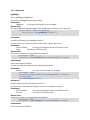
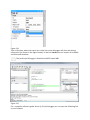
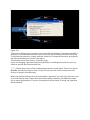
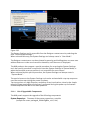
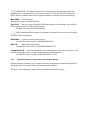
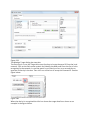
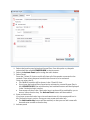
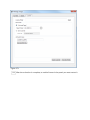
Name Specifies the name of the Alarm.
Enable A user can enable or disable the triggering of particular alarms. Alarms can be
enabled or disabled on Runtime as well (for more information, please see Chapter Enable
/ Disable Alarms in Run-time ).
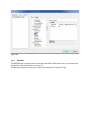
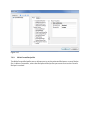
Acknowledgement For an alarm that needs to be acknowledged by the operator (when
the alarm is triggered), select the check box to enable the Acknowledgment. If checked,
an operator is required to acknowledge this alarm any time it is triggered, before it will be
cleared from the Active alarm widget.
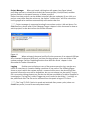
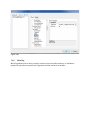
Reset This check box, specific to each alarm, works in conjunction with the acknowledge
check box. After an alarm requiring acknowledgment has been acknowledged, it will be
cleared from the alarm list. If the Reset check box is checked, the alarm will continue to
be listed in the alarm list, as “Not Triggered Acked”, until the Reset button present in the
alarm widget is pressed.
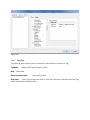
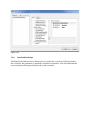
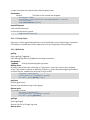
Tag Attach the Tag for which the Alarm shall periodically check the Tag value, so that
the respective alarm(s) is triggered when this deviates from its limits. (The Alarm function
will refer to the value of this Tag, or to the state of a Bit, in the case of Bitmask, to
determine when to trigger the Alarm.)
Buffer Specifies the Buffer file to which the Alarm history will be saved.
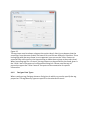
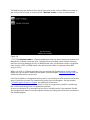
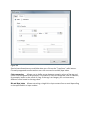
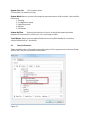
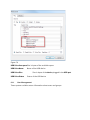
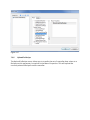
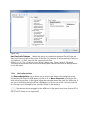
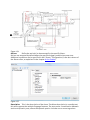
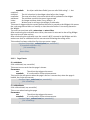
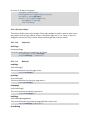
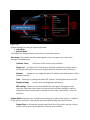
Trigger
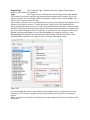
This selection determines the triggering condition for an alarm.
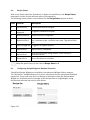
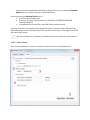
Three Alarm types are available:
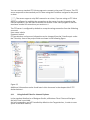
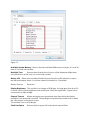
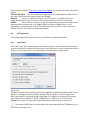
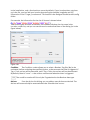
Limit Alarm A Limit Alarm is triggered when the monitored Tag value goes OUTSIDE of
its given boundaries (low limit and high limit).
NOTE When the Tag value is equal to its low or high limit, the alarm is not triggered.
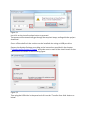
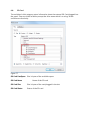
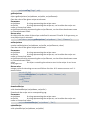
Bitmask Alarm
To get a valid trigger, the bitwise AND operator compares each bit of
the bitmask with the Tag value corresponding to that Alarm. If both bits are on, the alarm
is set to true. When the Bitmask Alarm is selected, you can specify one or more Bit
positions inside the Tag. When one of the Bits is set, the alarm is triggered. The Bit
position must be given in decimal format; if more Bits are specified, each position must
be separated by a “,".
NOTE Bitmask is a position, so it starts from zero (0).
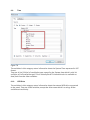
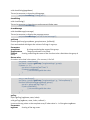
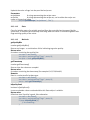
Deviation Alarm
For the Deviation Alarm, a predefined “set point", as well as a value
for “deviation" will be given. If the percentage of deviation of the Tag value from the set
point exceeds this deviation, then the trigger condition becomes true.
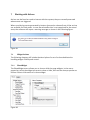
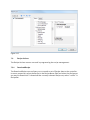
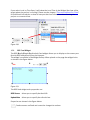
8.2
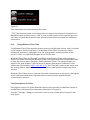
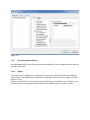
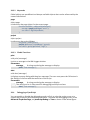
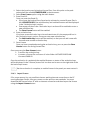
Alarms’ State Machine
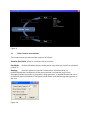
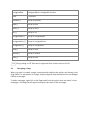
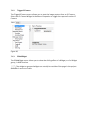
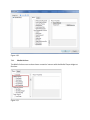
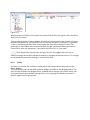
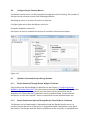
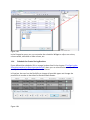
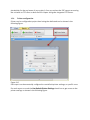
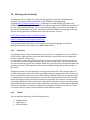
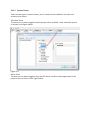
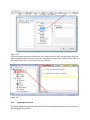
The HMI system implements an alarm State Machine which is described by the following
figure.
The graph includes states and transitions between them according to the selected
options and desired behavior.