1
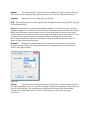
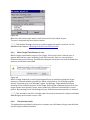
NOTE The project can be transferred to the device via Ethernet or via USB drive. In case
the project is downloaded to the unit via Ethernet, the panel must have a valid IP address
assigned, either static or dynamic via DHCP server. Please see the chapter “Unit Basic
Settings” for further information on how to assign an IP address to the panel.
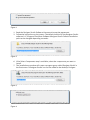
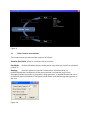
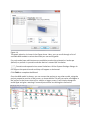
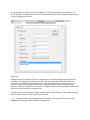
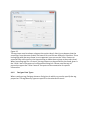
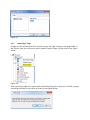
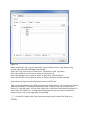
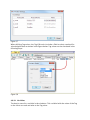
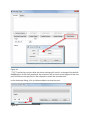
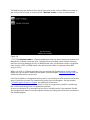
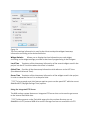
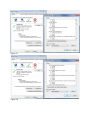
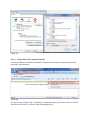
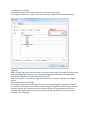
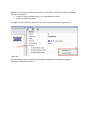
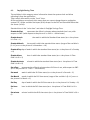
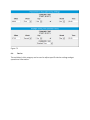
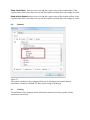
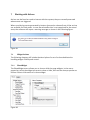
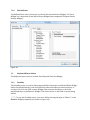
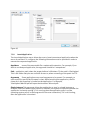
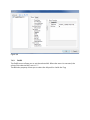
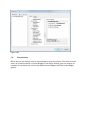
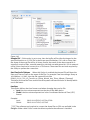
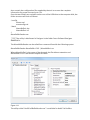
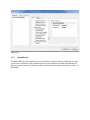
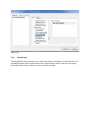
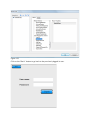
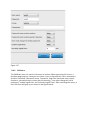
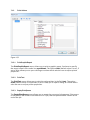
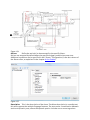
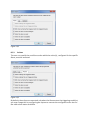
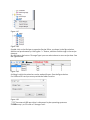
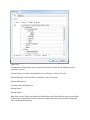
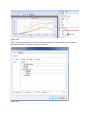
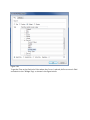
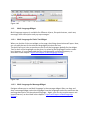
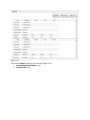
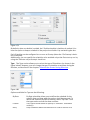
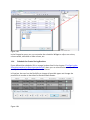
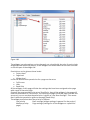
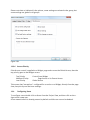
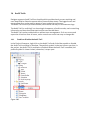
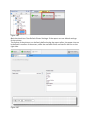
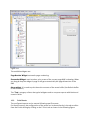
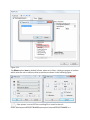
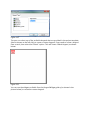
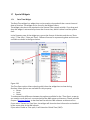
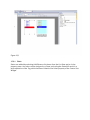
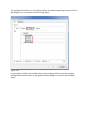
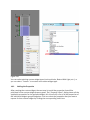
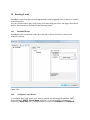
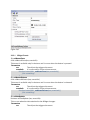
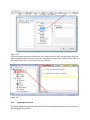
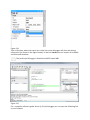
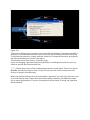
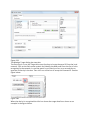
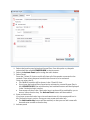
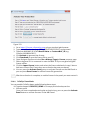
The Download to Target dialog is shown in the figure below.
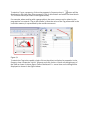
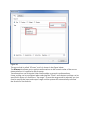
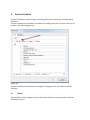
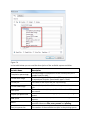
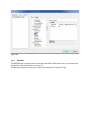
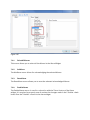
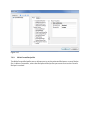
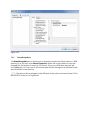
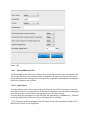
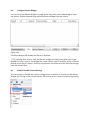
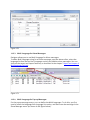
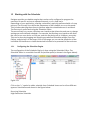
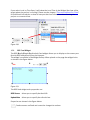
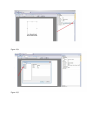
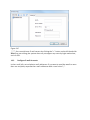
Once the panel has a valid IP address assigned, it will become discoverable on the local
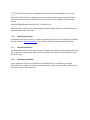
network. Click on the “discovery” button as indicated in the figure below and click on the
desired IP address.
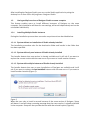
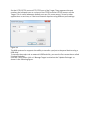
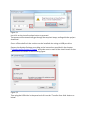
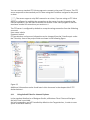
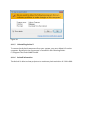
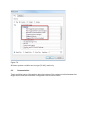
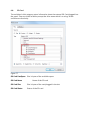
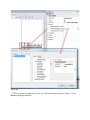
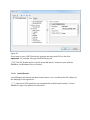
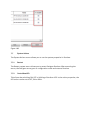
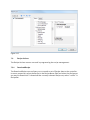
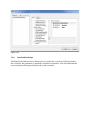
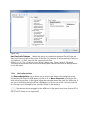
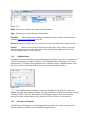
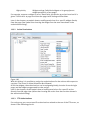
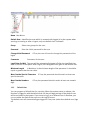
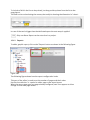
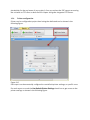
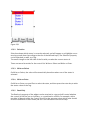
Click on the Download button to start the process. The system will switch the Target to
Configuration mode and transfer the files. When the download operation is completed,
the Target is automatically switched to Operation mode and the downloaded project is
started.
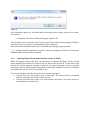
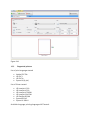
Figure 40
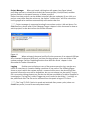
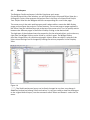
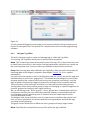
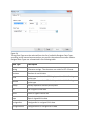
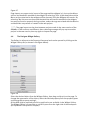
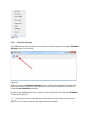
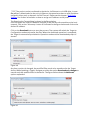
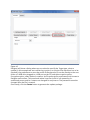
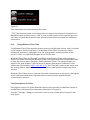
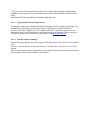
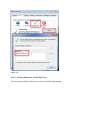
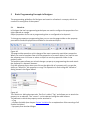
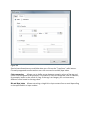
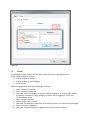
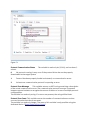
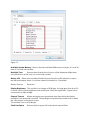
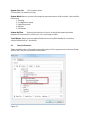
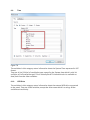
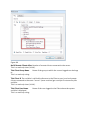
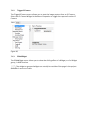
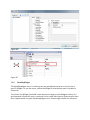
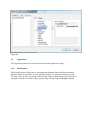
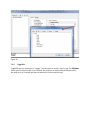
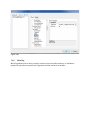
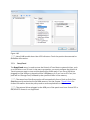
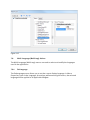
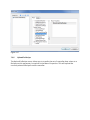
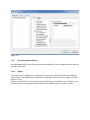
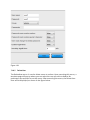
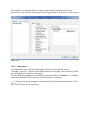
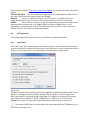
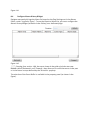
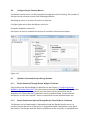
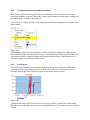
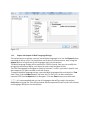
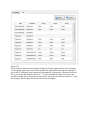
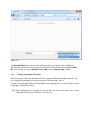
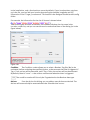
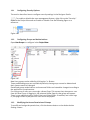
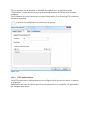
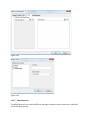
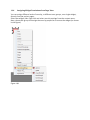
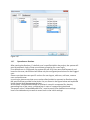
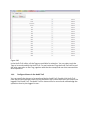
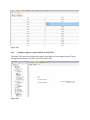
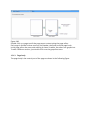
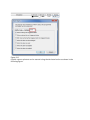
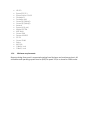
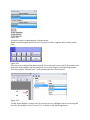
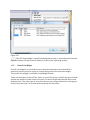
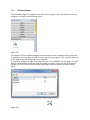
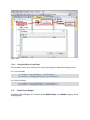
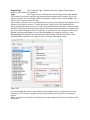
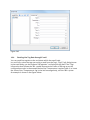
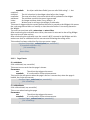
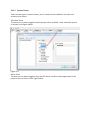
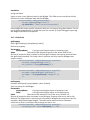
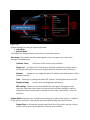
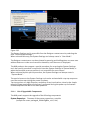
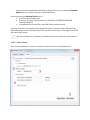
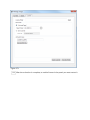
Any time a project is changed, the modified files needs to be transferred to the Target
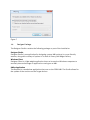
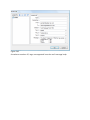
device. When updating a Target, Designer provides the option Download only changes to
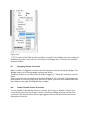
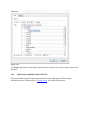
transfer only the modified files to the device. The figure below shows the Advanced
options expanded.
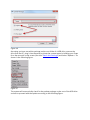
Figure 41