1
9 Operation
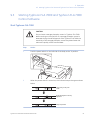
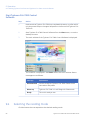
9.4 Selecting the reading mode
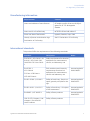
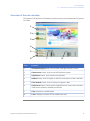
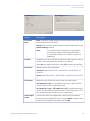
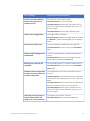
To...
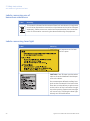
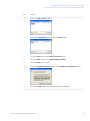
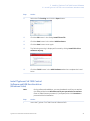
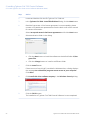
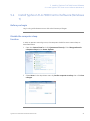
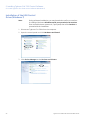
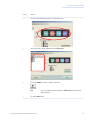
Click this button
Read a fluorescent sample
Read a phosphorimaging sample
Read a digitization sample
9.5
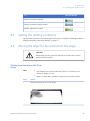
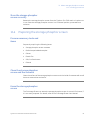
Setting the reading conditions
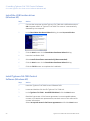
Set the reading conditions by following the instructions in Chapter 10 Reading conditions,
display parameters, and other settings, on page 77.
9.6
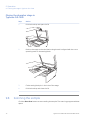
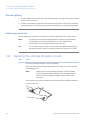
Placing the object to be scanned on the stage
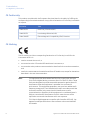
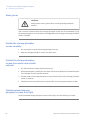
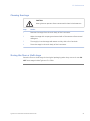
CAUTION
Always wear gloves, protective glasses and a lab coat or similar
when handling samples.
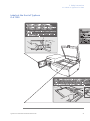
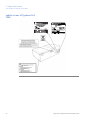
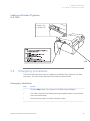
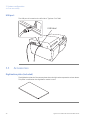
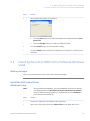
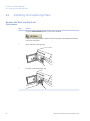
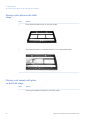
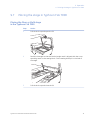
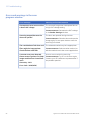
Placing a gel sample on the Fluor
stage
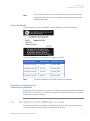
Note:
•
The sample must not be thicker than 30 mm. For solutions, the
maximum height is 4 mm.
•
Make sure there are no bubbles or gaps on the contact surface.
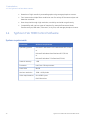
Step
Action
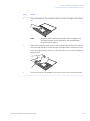
1
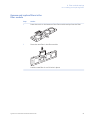
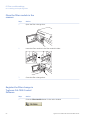
Place the sample on the Fluor stage.
Typhoon FLA 7000 User Manual 28-9607-62 AC
69