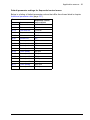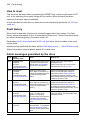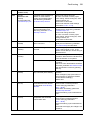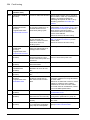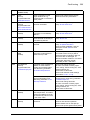
1
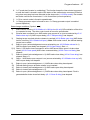
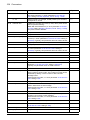
42 The ACS850 control panel
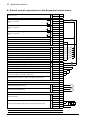
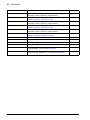
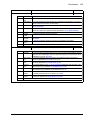
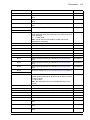
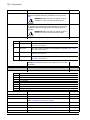
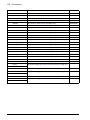
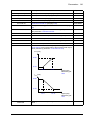
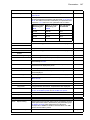
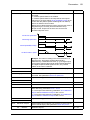
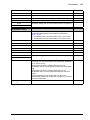
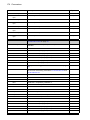
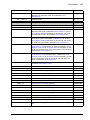
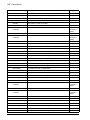
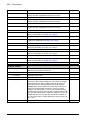
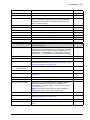
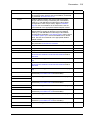
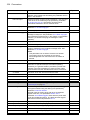
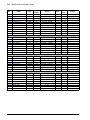
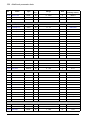
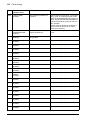
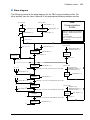
Step
Action
Display
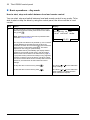
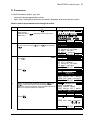
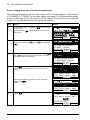
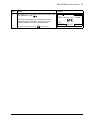
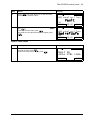
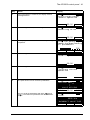
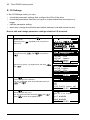
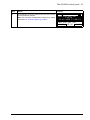
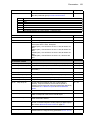
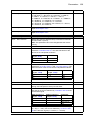
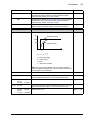
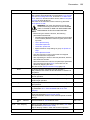
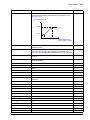
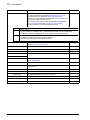
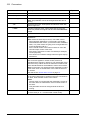
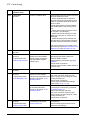
5.
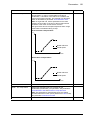
You can edit parameters by pressing
when EDIT
command is visible. Parameter 60.05 Pos unit is used as
an example.
EDIT
Edit the parameter as shown in section Parameters on
page 23.
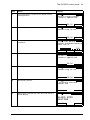
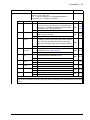
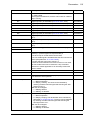
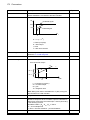
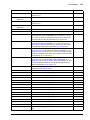
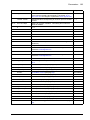
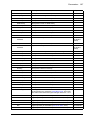
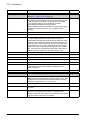
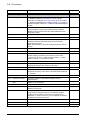
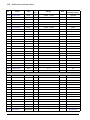
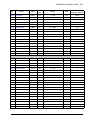
6.
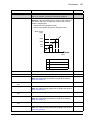
Press
SAVE
Press
CANCEL
LOC
PAR EDIT
6005 POS UNIT
Revolution
[0]
CANCEL
to save the new value.
LOC
to return to the list of erroneous parameters.
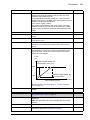
6005 POS UNIT
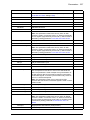
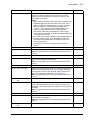
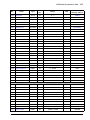
The parameter value you chose is visible under the
parameter name.
READY
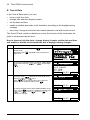
Press
when you have finished editing the
parameters.
SAVE
PAR EDIT
Degree
[1]
CANCEL
7.
00:00
00:00
SAVE
LOC
PAR ERRORS
1
6005*POS UNIT
1
?
VALUE MISSING
6008*POS2 INT SCALE
READY 00:00
EDIT
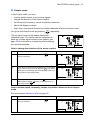
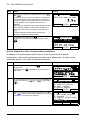
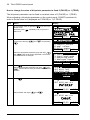
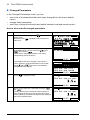
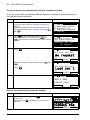
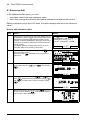
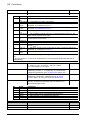
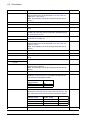
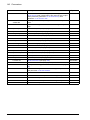
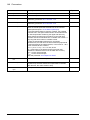
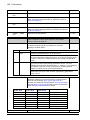
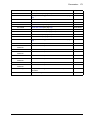
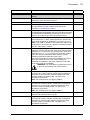
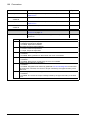
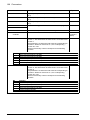
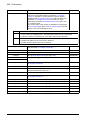
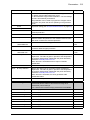
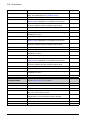
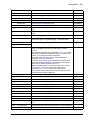
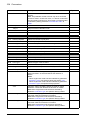
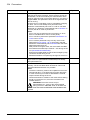
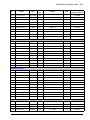
Trying to restore a user set between different firmware versions
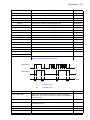
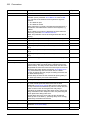
If you try to backup and restore a user set between different firmware versions, the
panel shows you the following alarm information:
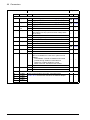
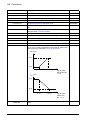
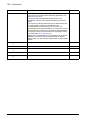
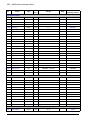
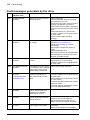
Step
Action
Display
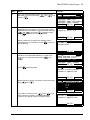
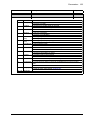
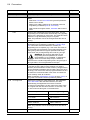
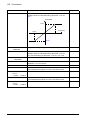
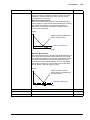
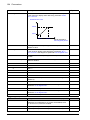
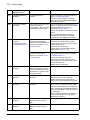
1.
Restore operation starts normally.
LOC
PAR BACKUP
Initializing param.
restore operation
00:00
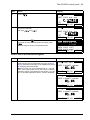
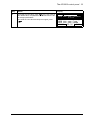
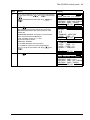
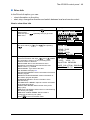
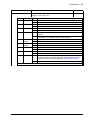
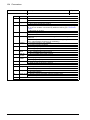
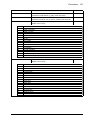
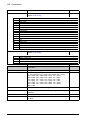
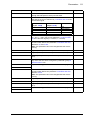
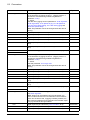
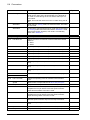
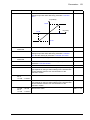
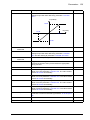
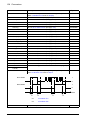
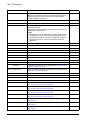
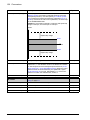
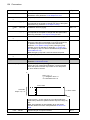
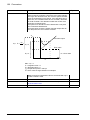
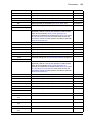
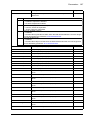
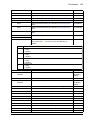
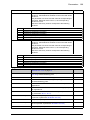
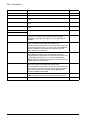
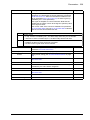
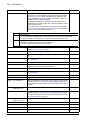
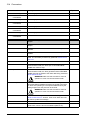
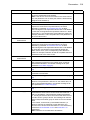
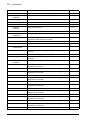
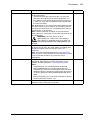
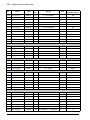
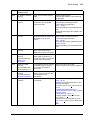
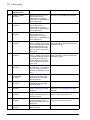
2.
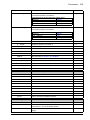
Version check is also OK.
You can see on the panel that the firmware versions are
not the same.
You can scroll the text with keys
and
.
LOC
VER CHECK
1
FIRMWARE VERSION
UIFI, 1100, 0,
UMFI, 1010, 0,
OK
PRODUCT VARIANT
CANCEL 00:00
CONT
LOC
VER CHECK
2
FIRMWARE VERSION
PRODUCT VARIANT
3
3
OK
CANCEL 00:00
CONT