1
Alpha NIR User’s Guide 412.0007.10 Ver 1.2
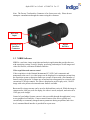
3 NIRIS Reference
This chapter contains an overview of the application window, tool bar, and menu bar, and
is intended to serve as a reference rather than a substitute for the tutorial in chapter 2.
3.1 Main Window
The main window contains the image window and related controls and indicator needed
to control and analyze the image. It has many sections and functions.
The appearance of the main window depends on the Display Mode that is selected. The
three display modes are Continuous, Burst, and Disk.
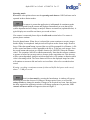
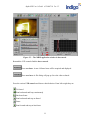
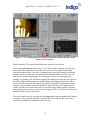
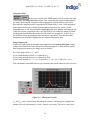
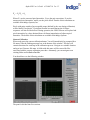
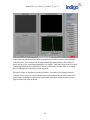
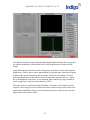
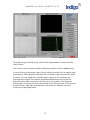
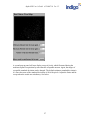
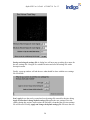
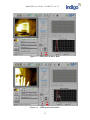
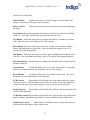
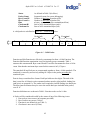
The NIRIS main window in live, burst, and disk mode is shown in figures 3.1, 3.2, and
3.3.
Figure 3-1 – NIRIS panel in Live Mode.
30