1
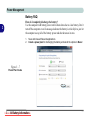
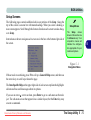
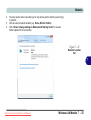
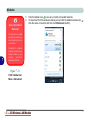
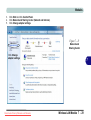
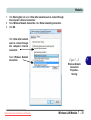
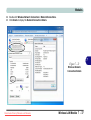
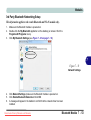
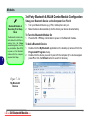
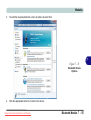
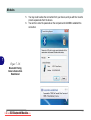
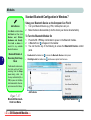
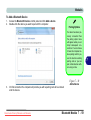
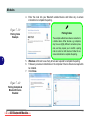
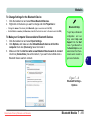
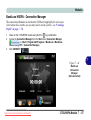
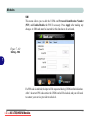
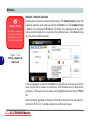
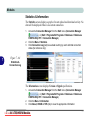
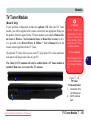
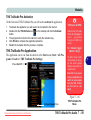
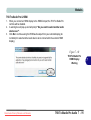
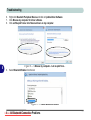
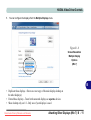
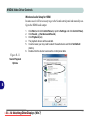
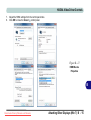
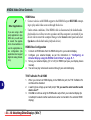
Modules To Change Settings for the Bluetooth Device 1. 2. • • Click the taskbar icon and select Show Bluetooth Devices. Right-click on the device you want to change and click Properties to: Bluetooth Help Change the name of the device (click Bluetooth, type a new name and click OK). Enable/Disable a service (click Services, clear/tick the check box next to the service and click OK). To Make your Computer Discoverable to Bluetooth Devices 1. 2. 3. Click the taskbar icon and select Open Settings. Click Options, and make sure that Allow Bluetooth devices to find this computer check box (Discovery) has a tick inside it. Make sure that the Alert me when a new Bluetooth device wants to connect check box (Connections) has a tick inside it, if you want to be notified when a Bluetooth device wants to connect. To get help on Bluetooth configuration and settings, select Help and Support from the Start menu. Type Bluetooth in the Search Help box, and select an item from the returned search results to get more information. Figure 7 - 41 Bluetooth Settings Options Downloaded from LpManual.com Manuals Bluetooth Module 7 - 61 7