1
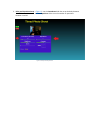
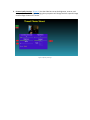
4. Flash. (Figure 4) If your platform has flash capability, you can set the flash to On, Off, or Auto
using the Flash list at the lower right of the screen. If your platform does not have flash
capability, this list will be disabled.
Figure 4 Setting the Flash
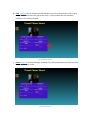
5. Status. (Figure 5) All status messages, including errors, will be displayed in the status box at the
lower left side of the screen.
Figure 5 Status Display