1
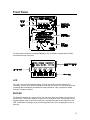
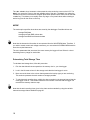
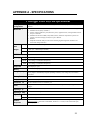
Since all of the setup data is stored on the card, a supervisor can give a pre-programmed
card to any employee to use in a logger, without the employee requiring any knowledge of
the setup parameters. All the employee needs to know is to press YES at the above prompt,
and how to start recording.
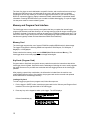
If you choose NO,
NO the RAM card will be formatted and the current SETUP parameters will be
stored on it.
3. Setup the logger according to your requirements (see page 16 for details on SETUP).
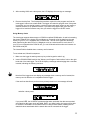
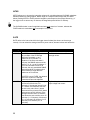
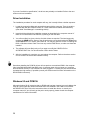
4. From the RECORD menu, press START to begin recording. The InterLogger will display a
short message
If you choose YES, any data that was previously stored on the card will be erased. If you
choose NO, the procedure is aborted and you are returned to the RECORD menu.
5. Record your survey as normal.
6. When the survey is complete, press STOP (from the RECORD menu). If you are transferring
the data using a PC card reader, the RAM card can be removed with the logger either in
SLEEP mode or awake. If you plan to disconnect the logger from the main service, make
sure the InterLogger is put in SLEEP mode.
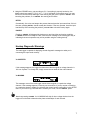
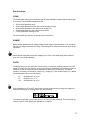
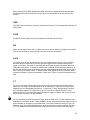
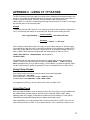
Avoid removing the RAM card when the logger is recording. If you remove the memory card,
you will see the following message:
If the RAM card is replaced before the seconds counter reaches zero, the survey will
continue uninterrupted. If the card is not replaced in time, the InterLogger will stop recording.
If the card is removed as data is being written to it, the data will most likely be lost. For this
reason, it is recommended that you press STOP (RECORD menu) before removing any
RAM cards.
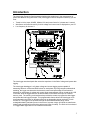
RS232 COMMUNICATIONS PORT
The communications port allows data to be transferred from the datalogger to a personal
computer for analysis.
14