1
Saving Messages
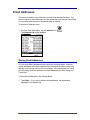
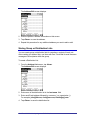
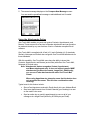
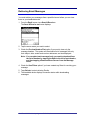
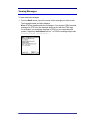
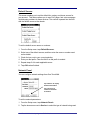
To save a composed message to the Outbox or Drafts folder:
1. Tap <Save>.
A message box displays.
2. Depending on where you want to save your message, tap <Outbox> or
<Draft>.
Sending Messages Stored in the Outbox
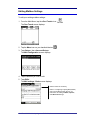
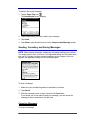
To send saved messages:
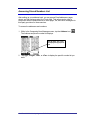
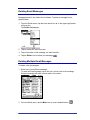
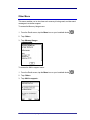
1. From the Email screen, tap the down arrow icon € in the upper right portion
of the screen.
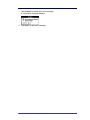
The Folder List displays. A number next to the folder shows how many
messages are in the folder. An asterisk ( * ) next to the folder name informs
you that there is at least one unread message in the folder.
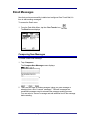
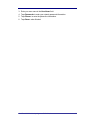
2. Tap <Outbox>.
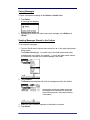
The Email screen displays with a list of messages stored in the Outbox.
All messages stored in the Outbox will be sent.
If messages are successfully sent, they will be
saved in the Sent folder. If not, they will remain
in the Outbox.
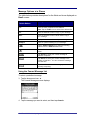
3. Make sure your handheld organizer is attached to a modem.
4. Tap <Send>.
One-Touch Mail for Handspring
JP Mobile, Inc.
21