1
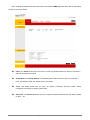
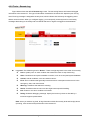
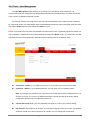
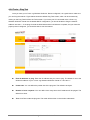
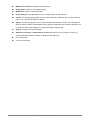
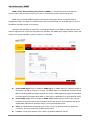
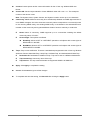
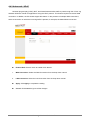
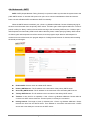
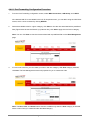
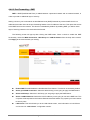
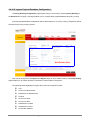
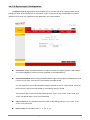
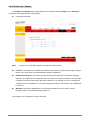
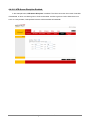
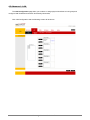
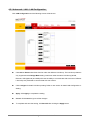
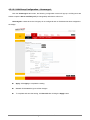
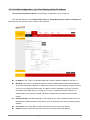
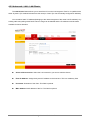
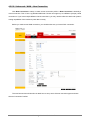
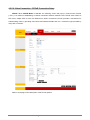
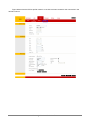
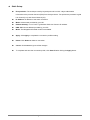
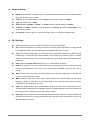
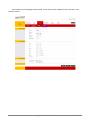
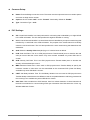
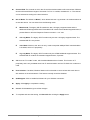
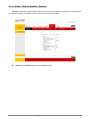
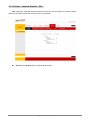
Group Key Interval: This value is measured in seconds.
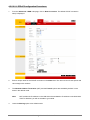
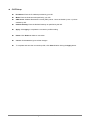
Radius Server: When selected, the WPA stations authenticate with the RADIUS server using
extensible authentication protocol - transport layer security (EAP-TLS) over 802.1x.
IP Address: IP address of the RADIUS server.
Port: The protocol port of the RADIUS server.
Secret: The secret that the AP shares with the RADIUS server. You can enter up to 63
alpha-numeric characters in this field.
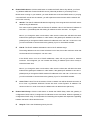
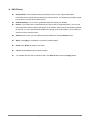
Pre-shared Key: When selected, the WPA stations do not authenticate with the RADIUS server
using EAP-TLS. Instead they share a pre-shared secret with the AP (ASCII format).
PSK String: Pre-shared key string. The PSK string needs to be entered in the first-time
configuration of each station. You can enter 8 - 63 alpha-numeric characters in this field.
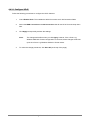
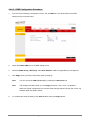
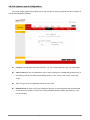
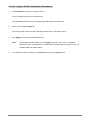
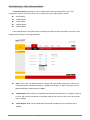
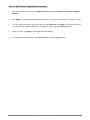
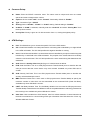
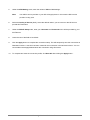
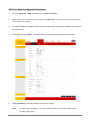
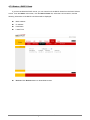
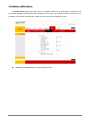
Apply: Click Apply to complete the setting.
Cancel: Click Cancel to ignore all the changes.
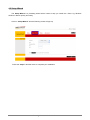
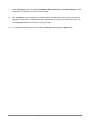
To complete and save the setting, click Save All after clicking the Apply button.
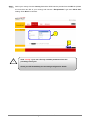
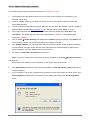
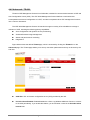
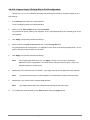
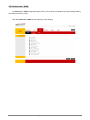
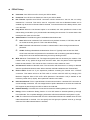
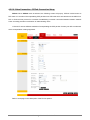
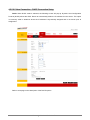
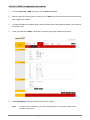
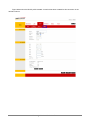
Go to Tools – System Commands page then click on Restart Access Point button for the
changes to take effect.
4 Ports 11g Wireless ADSL2/2+ Router
205