1
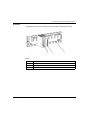
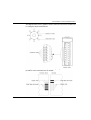
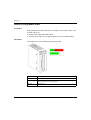
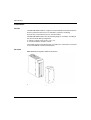
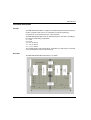
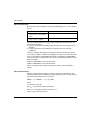
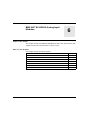
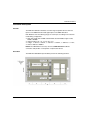
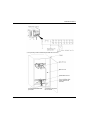
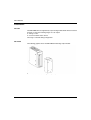
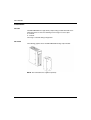
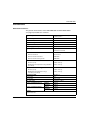
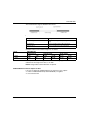
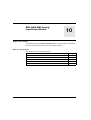
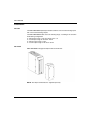
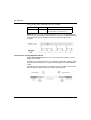
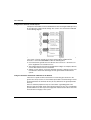
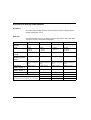
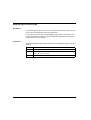
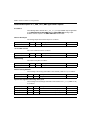
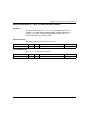
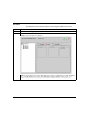
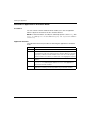
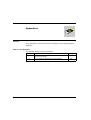
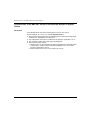
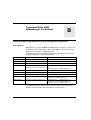
BMX AMI 0800
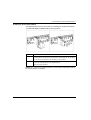
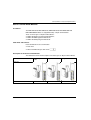
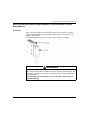
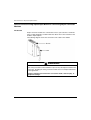
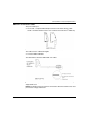
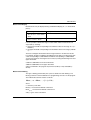
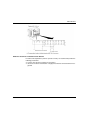
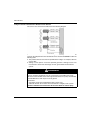
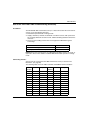
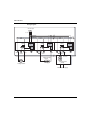
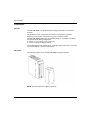
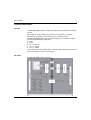
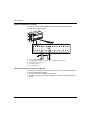
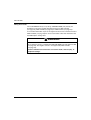
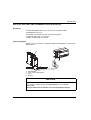
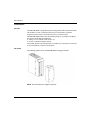
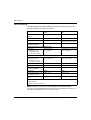
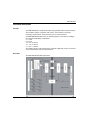
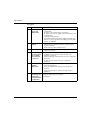
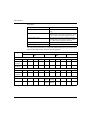
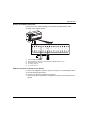
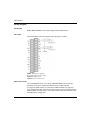
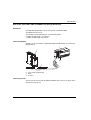
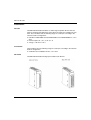
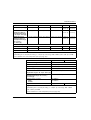
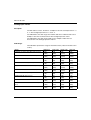
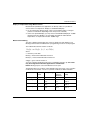
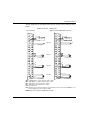
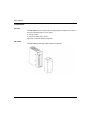
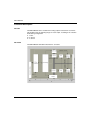
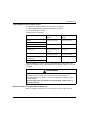
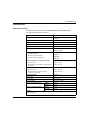
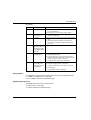
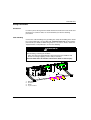
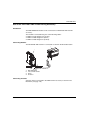
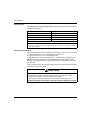
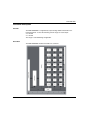
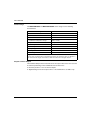
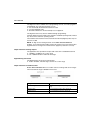
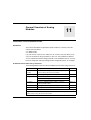
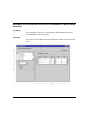
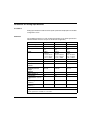
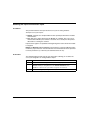
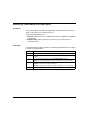
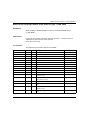
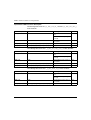
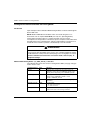
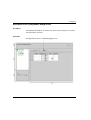
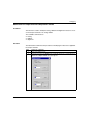
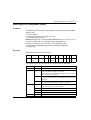
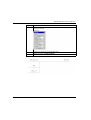
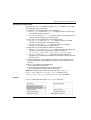
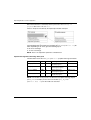
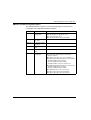
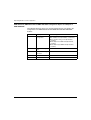
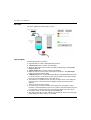
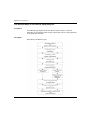
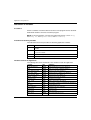
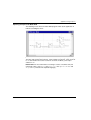
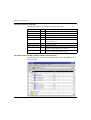
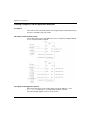
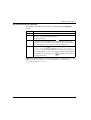
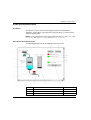
Description:
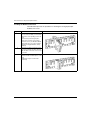
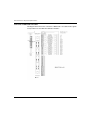
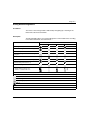
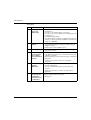
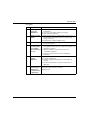
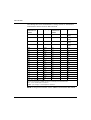
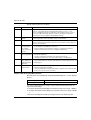
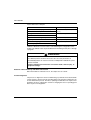
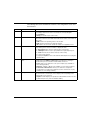
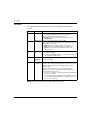
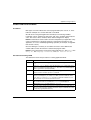
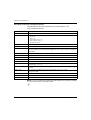
No.
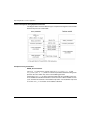
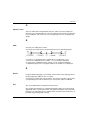
Process
Function
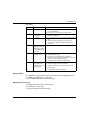
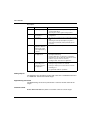
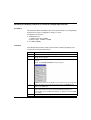
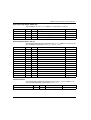
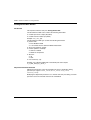
1
Adapting the
Inputs and
Multiplexing
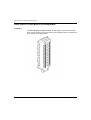
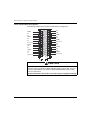
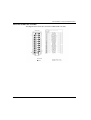
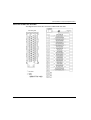
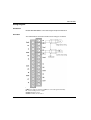
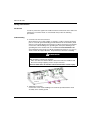
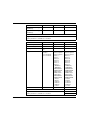
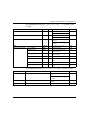
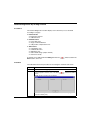
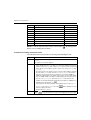
z Physical connection to the process through a 28-pin screw
Amplifying Input
Signals
z Gain selecting, based on characteristics of input signals, as
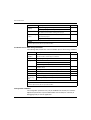
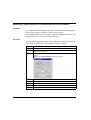
3
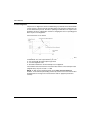
Converting
z Conversion of analog Input signal into digital 24-bit signal
4
Transforming
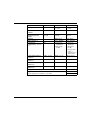
z Takes into account recalibration and alignment coefficients
incoming values
to be applied to measurements, as well as the module’s selfinto workable
calibration coefficients
measurements for z (Numeric) filtering for measurements, based on
configuration parameters
the user.
2
terminal block
z Protection of the module against overvoltages
z Input signal analog filtering
defined during configuration (unipolar or bipolar range, in
voltage or current)
z Compensation of drift in amplifier device
using a ΣΔ converter
z Scaling of measurements, based on configuration
parameters
5
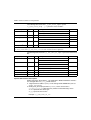
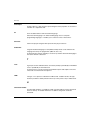
Communicating
with the
Application
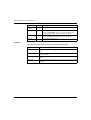
z Manages exchanges with CPU
z Topological addressing
z Receives configuration parameters from module and
channels
z Sends measured values, as well as module status, to
application
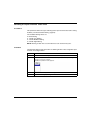
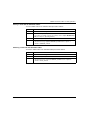
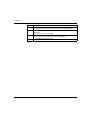
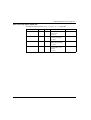
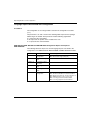
6
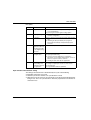
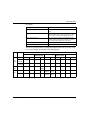
35011978 07/2012
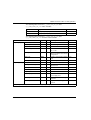
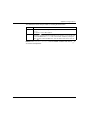
Module
monitoring and
sending error
notification back
to application.
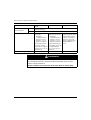
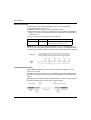
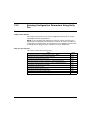
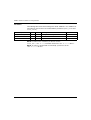
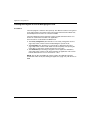
Conversion string test
Testing for range overflow on channels
Watchdog test
77