1
Software - SYSTEM configuration
CANCELLI AUTOMATICI
RBM8 - USER MANUAL
-§
2.29
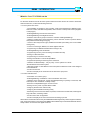
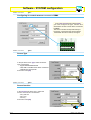
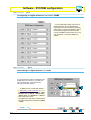
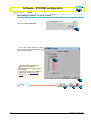
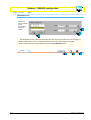
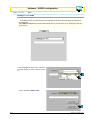
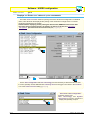
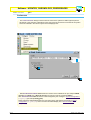
Configuring the digital entrances of the REMs
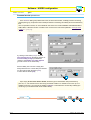
In the entrances area of the REMn
dialog, we must program the supplementary
command and control devices (for example
safety buttons, sensitive footboards, alarms,
etc.) which we will connect to the REM, and
which will work on any one of the exits - both
RBM8 and REMs.
RBM8 - USER MANUAL
-§
2.30
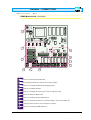
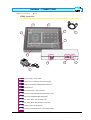
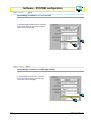
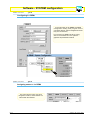
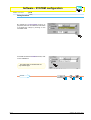
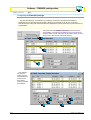
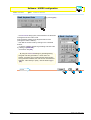
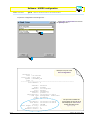
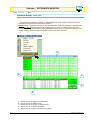
Assigning the digital devices to an exit (REM)
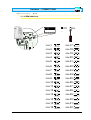
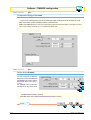
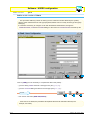
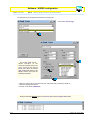
For each entrance, select an exit/device this
supplementary digital device will work on;
you must also tick the related box, if the
device is the NC -type (normally closed)
3
1
2
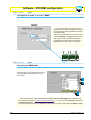
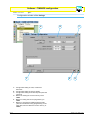
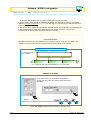
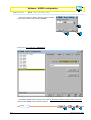
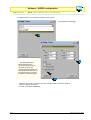
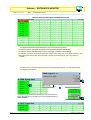
In addition to the normal exits defined in Assigning a name to the exits {§ 2.4 | p 4}, the pull-down menu
shows eleven exits/function defined “Blocks”, “Alarm entry”, “Alarm reset” and “Entrance” + “Exit” for
each traffic-light control;
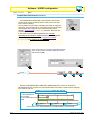
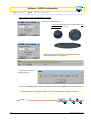
The digital entry/exit match is independent of the physical position of the latter on RBM8 or REMs;
UPDATE
1
ENGLISH
2
3
chapitre < 2 > page < 18 >