1
Software - UPDATES, CHRONOLOGY, PREFERENCES
CANCELLI AUTOMATICI
-§
RBM8 - USER MANUAL
5.1
RBM8 Updates
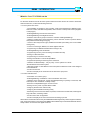
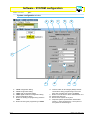
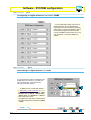
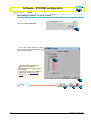
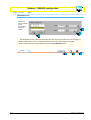
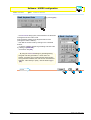
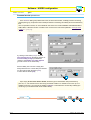
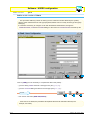
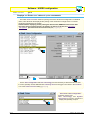
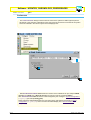
The UPDATES dialog is used to update, simultaneously or individually, the three key sections of
the configuration: System, Timings and Users.
It also presents as default the update of the system clock.
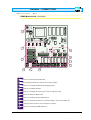
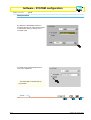
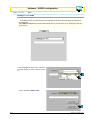
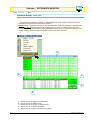
Before starting up the update procedures, you must have saved all the changes made previously; to
this end, we recommend pressing the buttons indicated here, at least at the end of every configuration
section indicated above.
UPDATE
1
3
2
2
3
1
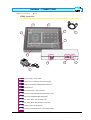
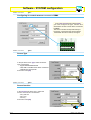
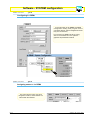
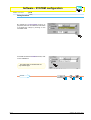
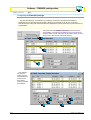
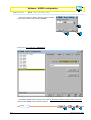
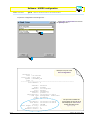
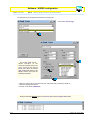
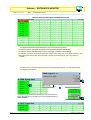
Tick the section to update and click on [UPDATE], [YES] to confirm the update ...
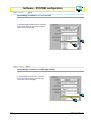
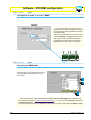
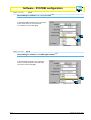
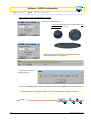
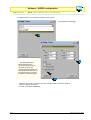
... and wait for the graduated bar - found in
the lower part of the main window - to
scroll; then click on the button [END]
ENGLISH
4
chapter < 5 > page < 2 >