1
Table of Contents
Overview...............................................................................................3
Sign In .................................................................................................4
Meetings...............................................................................................5
Prepare for a Scheduled Meeting.........................................5
Start a Scheduled Meeting......................................................7
About Anywhere & WiFi Meetings ........................................8
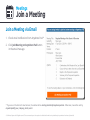
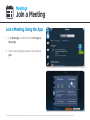
Join a Meeting..............................................................................9
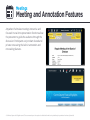
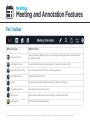
Meeting and Annotation Features........................................11
View Meeting Agenda.......................................................14
Invite Participants..............................................................15
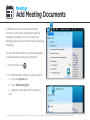
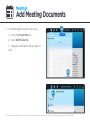
Add Meeting Documents................................................16
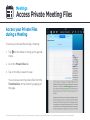
Access Private Meeting Files..........................................18
Add Action Items................................................................19
View Action Items..............................................................20
Change Sticky Note Privacy ...........................................21
Become the Presenter.....................................................22
Pass the Presenter Role...................................................23
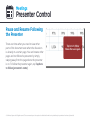
Pause & Resume Following a Presenter.....................24
Lock Participants’ Screens...............................................25
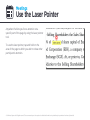
Use the Laser Pointer.......................................................26
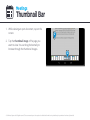
Thumbnail View..................................................................27
Search Text..........................................................................28
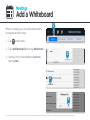
Add a Whiteboard ............................................................29
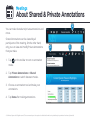
About Shared and Private Annotations......................30
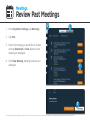
Review Past Meetings...............................................................31
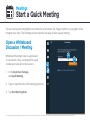
Start a Quick Meeting................................................................32
Documents.................................................................................35
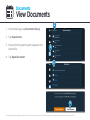
View Documents.................................................................36
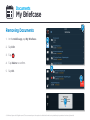
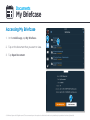
My Briefcase........................................................................37
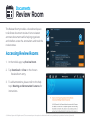
Review Room.......................................................................40
My Account................................................................................42
Sign Out & Clear Offline Data ...........................................42
Reset a Forgotten Password..............................................43
Unlink Box or Dropbox Account........................................44