1
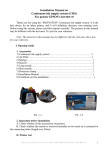
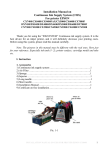
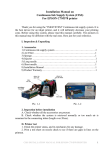
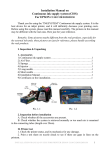
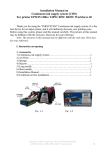
Pic. 1-3
2. Inspection before installation
A. Check whether all the accessories are available or not.
B. Check whether CISS is pulling out, if tube is disconnected.
Please contact your local distributor if have noticed problems.
II. Test printer
1. Check whether printer conditions are normal or not.
2. Enter nozzle test option (2-1), print nozzle test sheet to see whether nozzle is
normal (2-2, 2-3).
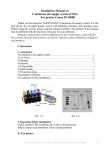
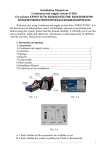
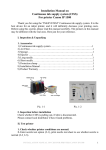
Pic. 2-1
Pic. 2-2, 2-3
II. Installation Procedures
1. Make the system ready
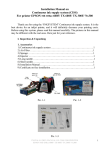
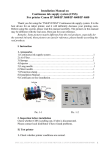
Put this system on the left side of printer, tidy up ink flow tubes (3-1-1), pull the
air balance plug out (3-1-2) and replace it with an air filter with the bigger side downwards (3-1-3).This is repeated for each air balance plug. Keep the air balance plugs for
future use.
2
INSTALLATION MANUAL ON CISS FOR PRINTER
EPSON RX530/ R200/R210/R220/R300/R310/R320