1
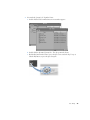
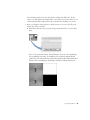
To add text to a clip:
106
Chapter 3
1
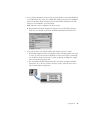
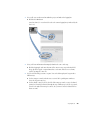
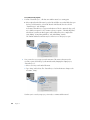
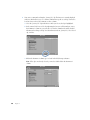
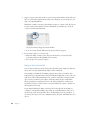
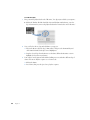
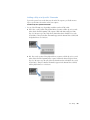
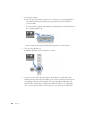
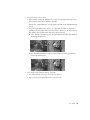
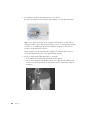
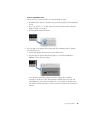
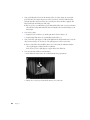
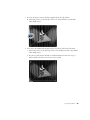
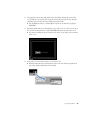
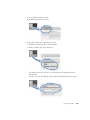
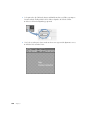
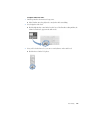
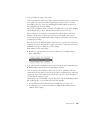
First, position the playhead at the point when Rob first appears.
a Click in the Canvas, then press the Home key.
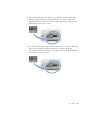
b Click the Next Edit button. The playhead moves to the beginning of Rob’s first
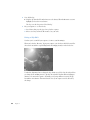
appearance on camera.
2
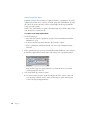
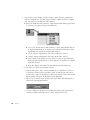
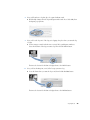
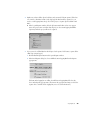
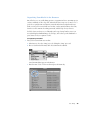
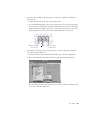
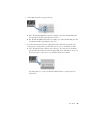
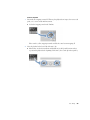
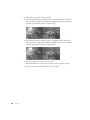
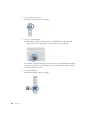
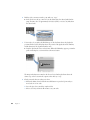
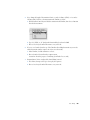
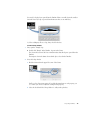
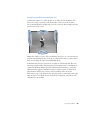
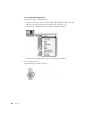
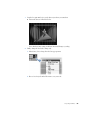
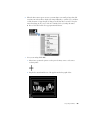
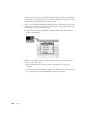
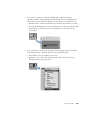
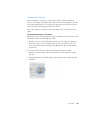
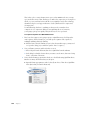
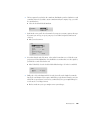
Next, open the Text generator in the Viewer.
m Open the Generator pop-up menu in the Viewer and choose Text.