1
vi.
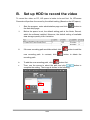
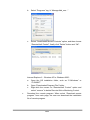
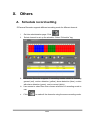
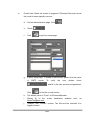
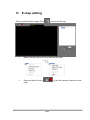
Besides daily schedule recording, IPCamera Recorder supports specific
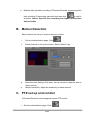
time recording. Determining start/end time then click
to add to
schedule. Notice: Specific time recording has higher priority than
daily schedule.
B. Motion Detection
Each channel can set up 3 areas to detect to motion.
i.
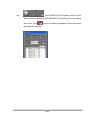
Get into administration page. Click
ii.
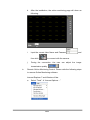
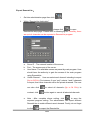
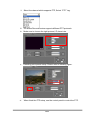
Select channel to set up the motion, Select “Motion” tag.
iii.
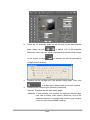
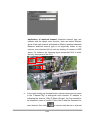
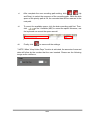
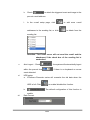
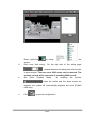
Detection Area Setting: Click area, the use mouse to draw the area to
detect motion.
Motion Sensitivity: adjust the sensitivity for each channel.
iv.
C. PTZ set up and control
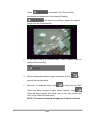
IPCamera Recorder series supports remote PTZ control.
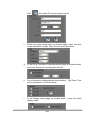
i. Get into administration page. Click
34/55