1
User Manual of DS-9600/8600/7700/7600 Series NVR
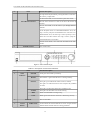
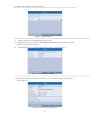
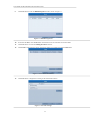
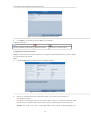
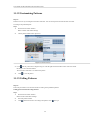
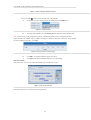
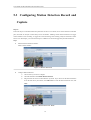
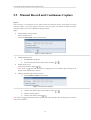
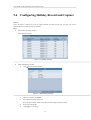
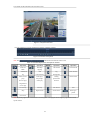
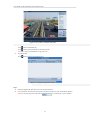
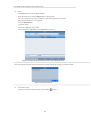
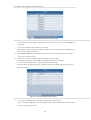
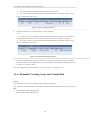
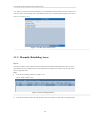
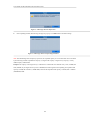
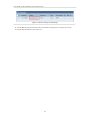
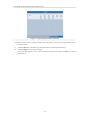
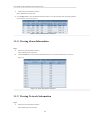
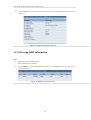
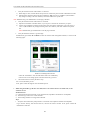
Figure 1.11 Export by Normal Video Search Using eSATA HDD
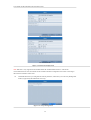
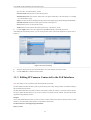
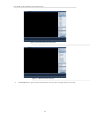
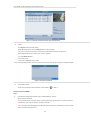
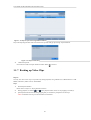
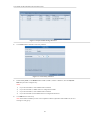
Stay in the Exporting interface until all record files are exported with pop-up message “Export finished”.
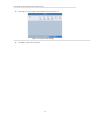
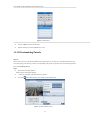
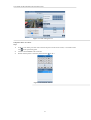
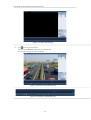
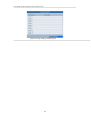
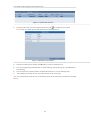
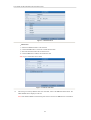
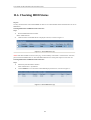
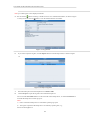
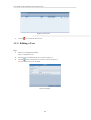
Figure 1.12 Export Finished
5.
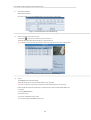
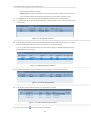
Check backup result.
Choose the record file in Export interface and click button
to check it.
Note: The Player player.exe will be exported automatically during record file export.
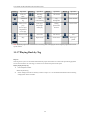
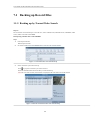
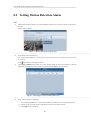
1.1.6 Backing up by Event Search
Purpose:
Back up event-related record files using USB devices (USB flash drives, USB HDDs, USB writer), SATA writer or
eSATA HDD. Quick Backup and Normal Backup are supported.
Steps:
1.
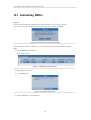
Enter Export interface.
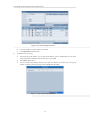
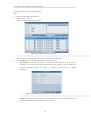
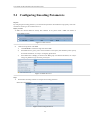
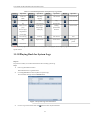
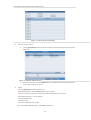
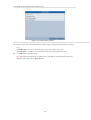
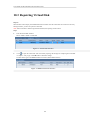
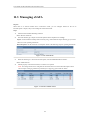
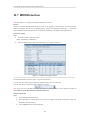
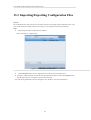
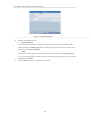
Menu>Export>Event
1)
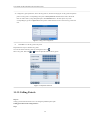
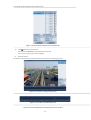
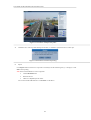
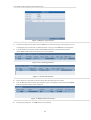
Select “Alarm Input” from the dropdown list of Event Type.
2)
Select the alarm input No. and time.
3)
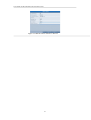
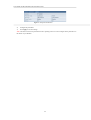
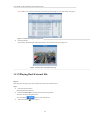
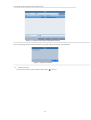
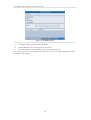
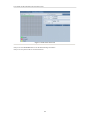
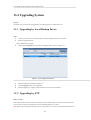
Click Search button to enter the Search Result interface.
Note: Event types contain Alarm Input and Motion.
109