1
TOUCH-PM6000
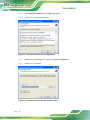
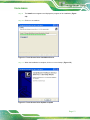
Figure 3-8: Configuration Screen
S te p 6:
Double click the PenMount 9000 icon as shown in Figure 3-8.
S te p 7:
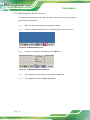
The calibration initiation screen in Figure 3-9 appears.
S te p 8:
Select the Standard Calibration button as shown in Figure 3-9.
Figure 3-9: Calibration Initiation Screen
S te p 9:
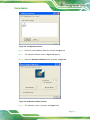
The calibration screen in is shown. See Figure 3-10.
P a g e 15