1
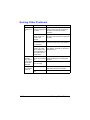
Solving Problems with Media Misfeeds
"
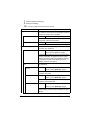
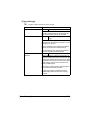
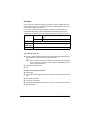
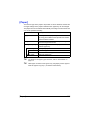
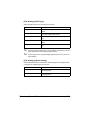
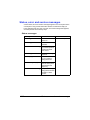
Frequent misfeeds in any area indicate that area should be checked,
repaired, or cleaned. Repeated misfeeds may also happen if you’re
using unsupported print media or original media.
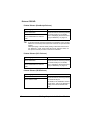
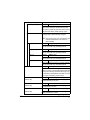
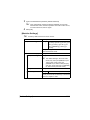
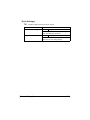
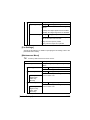
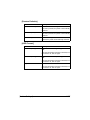
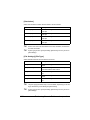
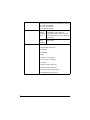
Symptom
Cause
Solution
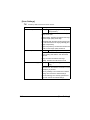
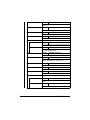
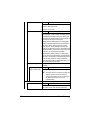
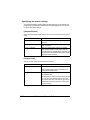
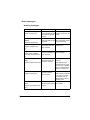
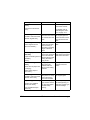
Several
sheets go
through the
machine
together.
The front edges of
the media are not
even.
Remove the media and even up the
front edges, then reload it.
The media is moist
from humidity.
Remove the moist media and replace it
with new, dry media.
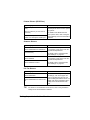
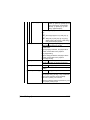
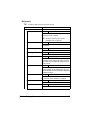
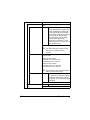
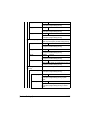
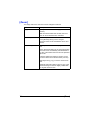
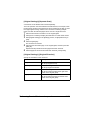
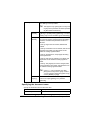
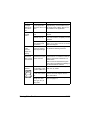
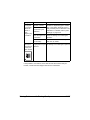
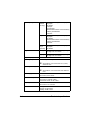
Media misfeed message stays
on.
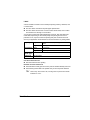
Front cover needs to Open and close the front cover again.
be opened and
closed again to reset
the machine.
Some media remains Check the media path again to make
misfed in the
sure that you have removed all of the
machine.
misfed media.
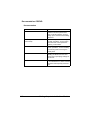
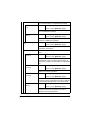
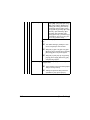
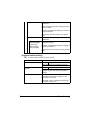
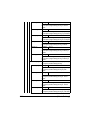
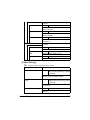
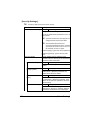
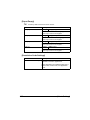
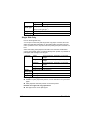
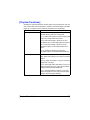
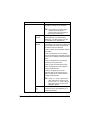
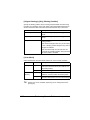
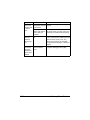
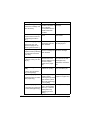
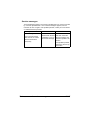
Duplex misfeeds.
Unsupported media
(wrong size, thickness, type, etc.) is
being used.
Use approved media. See “Special
Paper” on page 4-11.
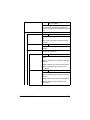
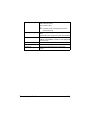
Plain paper, recycled paper, special
paper, Thick 1 and Thick 2 can be
autoduplexed if the media type is set
properly in the driver. See “Specifications” on page 4-2.
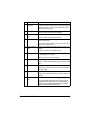
Make sure that you have not mixed
media types in the tray.
Do not duplex, envelopes, labels, letter
head, postcards, glossy media, or single side only paper.
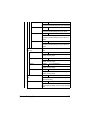
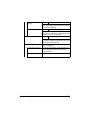
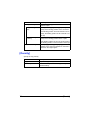
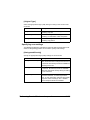
Media is still being
misfed.
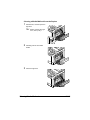
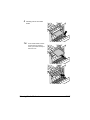
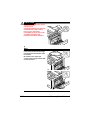
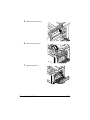
Check the media path inside the
duplex again to make sure that you
have removed all of the misfed media.
Solving Problems with Media Misfeeds
13-23



















































































































































![User`s Guide [Printer/Copier/Scanner]](http://vs1.manualzilla.com/store/data/005987700_1-4ebf6f5f2843ec6fc8ace3e9735a6825-150x150.png)