1
Instruction Manual Mi 190 DO Bench Meter
LOGGING
Up to 50 LOG samples can be stored into memory
LOGGING THE CURRENT DATA
www.milwaukeeinst.com
If the log space is full, “FULL LOC” message will be displayed and no more data will be saved.
When the LOG key is pressed while in measurement mode, a complete set of information is stored.
To store the current reading into memory press the LOG key while in measurement
mode.
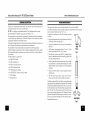
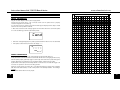
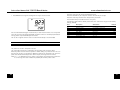
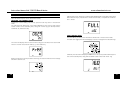
The instrument will display the current date (MM.DD) on the primary LCD and the
record number on the secondary LCD, along with “LOG” tag (see example below:
record No. 25, dated June 29).
VIEW LOGGED DATA
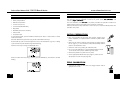
Press the MR key to retrieve the information stored while in measurement mode.
If no data were logged, the instrument displays “no rEC” message for the selected range.
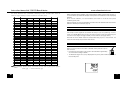
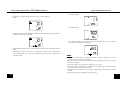
The instrument displays then the amount of free log space for about one second and
returns to normal measurement mode (e.g. 18 records free).
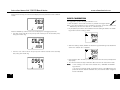
Otherwise, the instrument will display the DO value on the primary LCD and the temperature on the secondary LCD, along with last stored record number and “LOG” tag.
If there are less than 6 memory locations remaining, the record number and “Lo” message
will blink to alert the user.
14
15