1
Accessing the All Apps screen
ENGLISH
From the All Apps screen, you can configure an apps settings or pin an app to the Start screen or to
the Desktop mode taskbar.
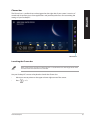
Launching the All Apps screen
•
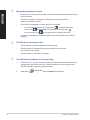
On the Start screen, click
.
•
From the Start screen, press <Tab>, then press <Enter> on your keyboard.
Pinning an app on the Start screen
54
1.
Launch the All Apps screen.
2.
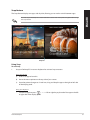
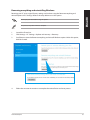
From the All Apps screen, right-click an app to display its settings bar.
3.
From the settings bar, click Pin to Start.
Windows® 8.1 User Manual