1
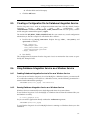
Configuring a SQL Server Login
4.
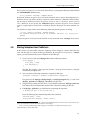
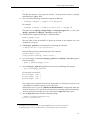
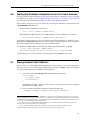
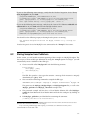
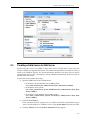
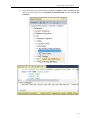
If you are using Windows authentication, find the local or Domain user to add to SQL
Server: enter the username in the Login name: box, select the radio button for Windows
authentication, and click OK.
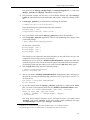
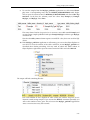
Otherwise, select the SQL Server authentication radio button and enter password
information. Note that the ‘User must change password at next login’ option is
selected by default.
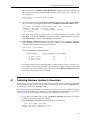
The remaining sections in this chapter assume that a user named Student with the password mypsswrd has a login on the SQL Server. This login may use Windows authentication or SQL Server authentication.
9.2.1
Permissions
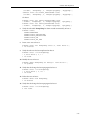
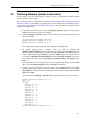
Database Integration Service depends on SQL Server features such as Change Tracking and the
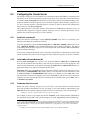
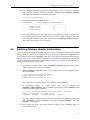
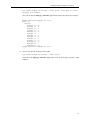
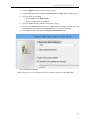
Service Broker in order to publish changes from a table to a DDS Topic. If the database or a monitored table do not have these enabled, Database Integration Service will issue ALTER DATABASE and ALTER TABLE queries to enable them. In order to grant Database Integration Service
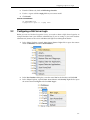
permission for this, simply assign the login to the db_owner database role for the Test database
on the User Mapping page when creating the login. Your database administrator may assign
permissions with a finer granularity, or may even alter the necessary objects manually. These
procedures are specific to your environment and outside the scope of Database Integration Service
documentation.
9-3