1
Peachtree Accounting® Link User Manual
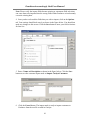
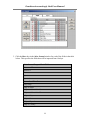
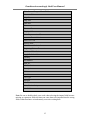
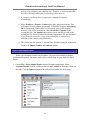
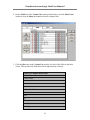
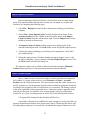
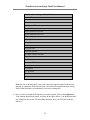
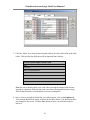
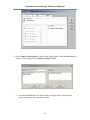
4. Once you have selected the fields that you wish to import, click on the Options tab.
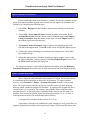
Your settings should look exactly as shown in the figure below. You should not make
any changes to this screen. Click the Save button to store your field selections for
later use.
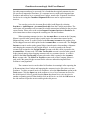
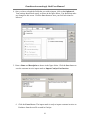
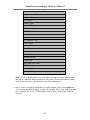
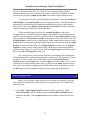
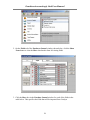
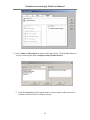
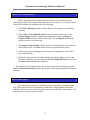
5. Enter a Name and Description as shown in the figure below. Click the Save button to
save the customer invoice import mask as Import Catalyst Cust Invoices.
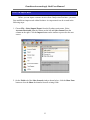
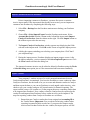
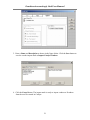
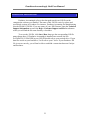
6. Click the Cancel button. The import mask is ready to import customer invoices to
Peachtree from the text file created in Catalyst.
16