1
Editing a Generation File
Teledyne LeCroy Corporation
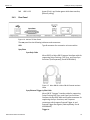
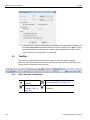
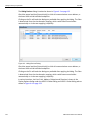
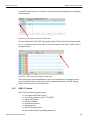
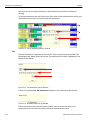
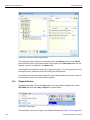
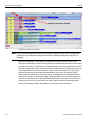
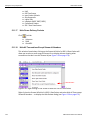
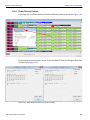
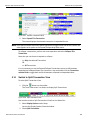
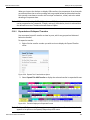
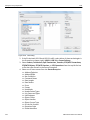
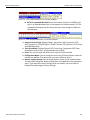
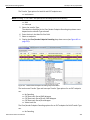
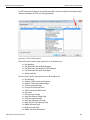
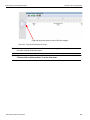
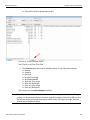
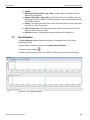
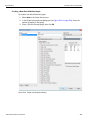
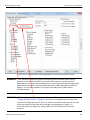
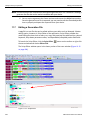
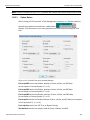
The Script Editor divides into three areas: the toolbar, the script window, and the file tabs at the bottom of the window. If errors occur, a log opens at the bottom of the window.
11.7.1
Toolbar
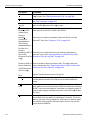
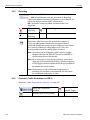
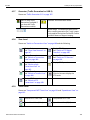
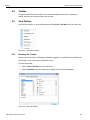
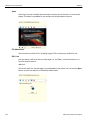
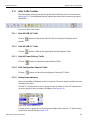
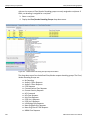
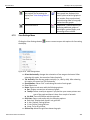
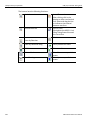
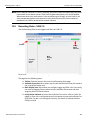
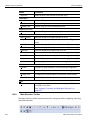
The Script Editor toolbar contains buttons for saving your edits, navigating, searching and other functions.
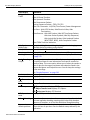
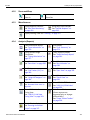
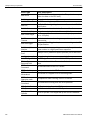
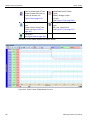
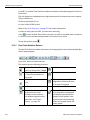
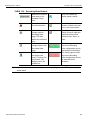
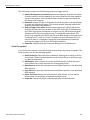
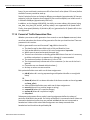
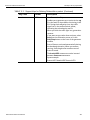
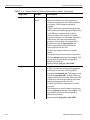
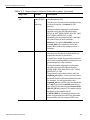
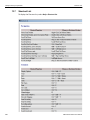
The buttons have the following functions:
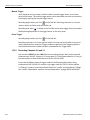
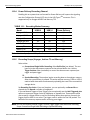
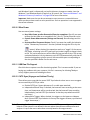
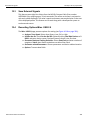
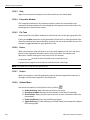
Save. Saves your edits and immediately updates the setting bars and Frames shown in the trace window.
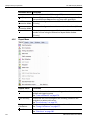
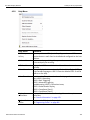
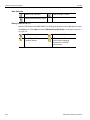
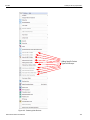
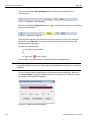
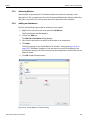
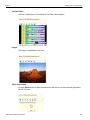
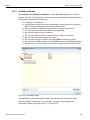
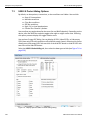
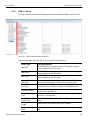
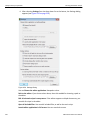
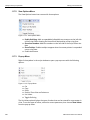
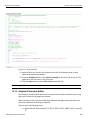
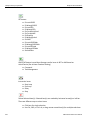
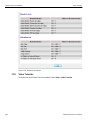
View Options. Opens a menu with three options: Enable Outlining, Toggle Outlining, and Line Numbers. See View Options Menu below.
Add/Remove bookmark. Allows markers to be set or removed to aid in navigation.
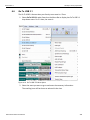
Go to Trace View.
Go to previous bookmark.
Cut.
Clear all bookmarks.
Copy.
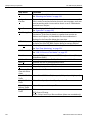
Find.
Paste.
Find and Replace.
Undo.
Print
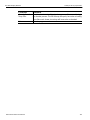
Go to next bookmark.
Redo.
USB Protocol Suite User Manual
405