1
74 . Intersalon
Using Automatic Resource Allocation in the Planner
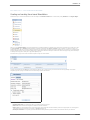
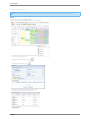
Once Intersalon knows which resources to assign, it will attempt to find and then allocate an available resource when the
appointment is added. If the appointment is a linked to another appointment and the linked appointment has resource dependency
then resources must be available for both appointments. If no resources are available then a message is displayed to the user.
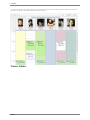
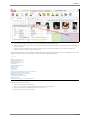
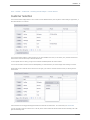
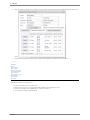
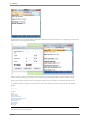
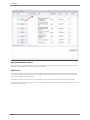
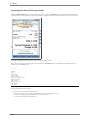
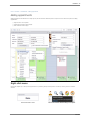
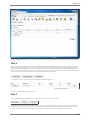
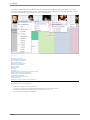
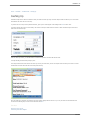
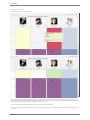
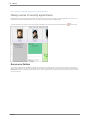
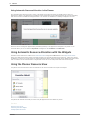
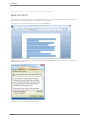
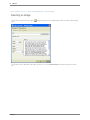
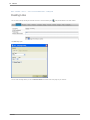
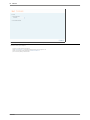
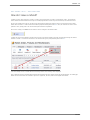
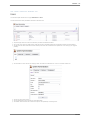
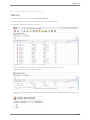
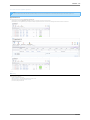
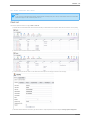
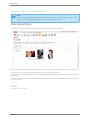
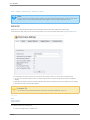
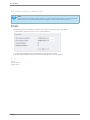
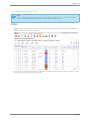
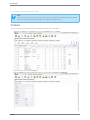
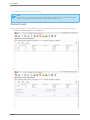
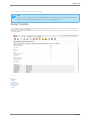
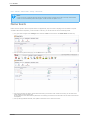
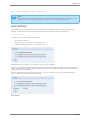
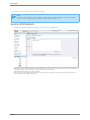
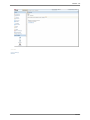
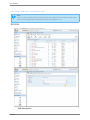
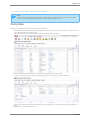
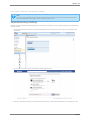
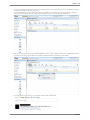
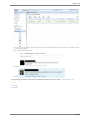
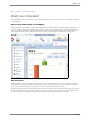
When the resource is assigned it appears within parenthesis (brackets) on the appointment description in the planner. In the
screenshot above you can see that the 'Dryer Room' is assigned for the 'Cut & Blow' with Emma Liles.
Using Automatic Resource Allocation with the Widgets
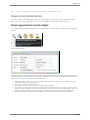
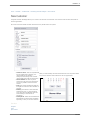
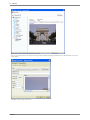
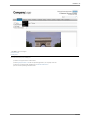
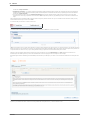
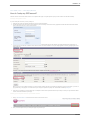
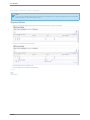
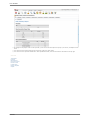
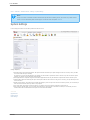
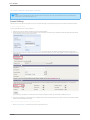
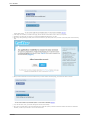
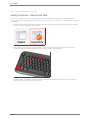
Automatic resource allocation is enabled on the 'Multi Service Search' widget and is NOT enabled on the 'Single Service Search'
widget. The 'Multi Service Search' widget is generally intended to be used when booking beauty treatments, where many services
are added for a customer in a single search. The 'Single/Linked Service Search' widget is normally used for booking hair services where
their is a maximum of two services booked in a single search and so the user can easily select which resources are required.
Using the Planner Resource View
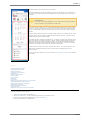
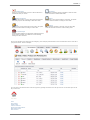
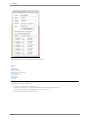
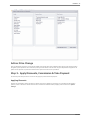
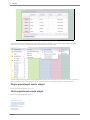
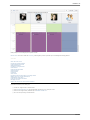
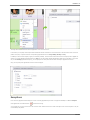
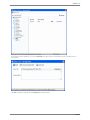
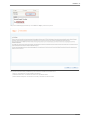
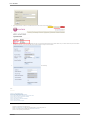
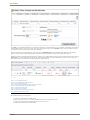
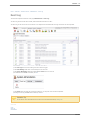
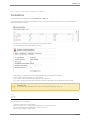
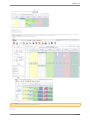
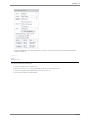
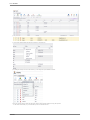
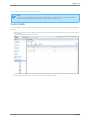
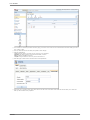
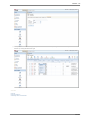
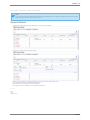
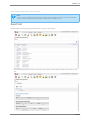
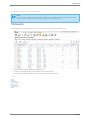
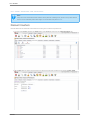
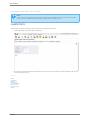
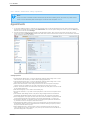
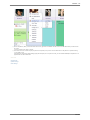
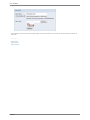
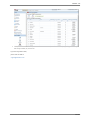
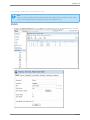
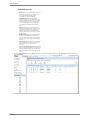
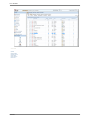
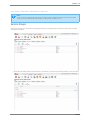
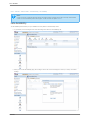
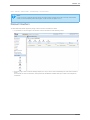
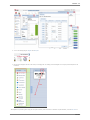
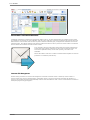
The planner view can be switched to show the allocation of the resources instead of the stylists or therapists.
The planner has restricted functionality in resource view, no appointments can be added only events.
See also
About the home screen
Introducing Intersalon Widgets
Creating Stylists and Services
intersalon