1
Pocket PC Setup
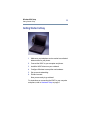
Getting Started is Easy
12
Getting Started is Easy
1
Make sure your telephone service carrier has activated
data services for your phone.
2
Install Targus’ software drivers.
3
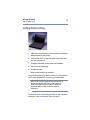
Connect the WWC to your Pocket PC and phone.
4
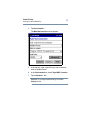
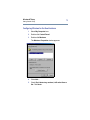
Set up your Pocket PC for remote networking.
5
Dial and connect.
Now you are ready to go wireless!
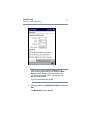
Running the SETUP Program
Follow these steps before inserting the WWC:
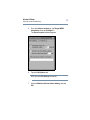
1
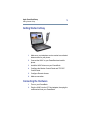
Establish an active connection between your Pocket PC
and a host PC. Use your Pocket PC’s serial or USB
connection cable.
2
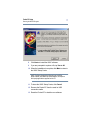
Insert the Targus Wireless Web Card Installation CD
into the CD-ROM drive of your host PC.
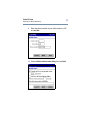
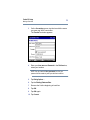
3
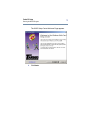
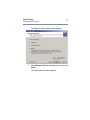
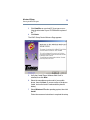
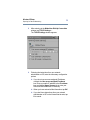
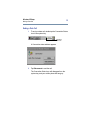
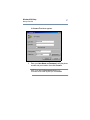
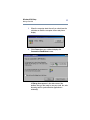
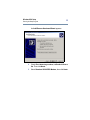
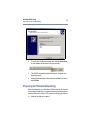
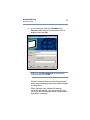
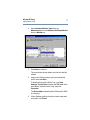
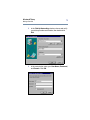
Click Start/Run on your host PC, type D:\SETUP (use the
drive letter of your CD-ROM drive in place of D:) and
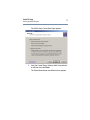
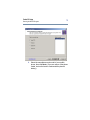
follow the instructions on your host PC.