1
NVR User Manual
5
Main Menu Setup Guide
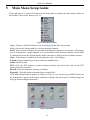
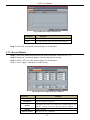
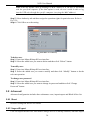
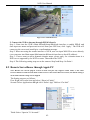
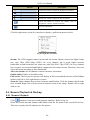
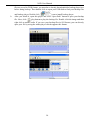
Click right mouse or press ESC button on the front panel to display the main menu toolbar on
the bottom of the screen. Refer to Fig 5-1:
Fig 5-1 Main Menu Toolbar
Single: Choose a channel from the list to be displayed in the full screen mode.
Multi: Choose the display mode for viewing multiple channels.
Dwell: Dwell means to display live images from different cameras in a sequence. The images
may be displayed as a single channel or in a grid fashion from different cameras. Dwell mode
is enabled only when the chosen display mode is not able to display all the available cameras.
Color: If this button is enabled, you can adjust the color of live images.
E-Zoom: Single channel large screen electronic amplification.
Audio: Enable sound.
PTZ: Click the PTZ button to control rotation position, speed and auto scan of the PTZ
connected to the IP camera.
Record: Click this button to start/stop recording.
Playback: Click this button to playback the recorded files.
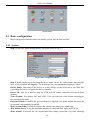
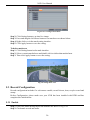
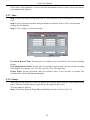
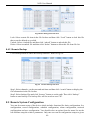
Click Main Menu button to pop up a window as Fig 5-2; you can also press MENU button on
the front panel or operate with remote controller to display the main menu. Clicking Setup icon
will pop-up the configuration menu:
Fig 5-2 Main Menu
15