1
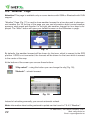
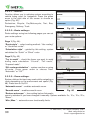
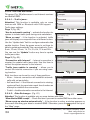
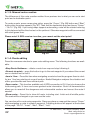
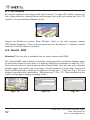
Press any group field to edit it (Fig. 39):
•
/
“Turn On/Turn Off” - turn on/turn off all icon of
the selected group;
•
“Edit” - edit the selected group;
•
Set group values to factory default settings. After
pressing this button a menu will appear. Use it to
confirm your actions ( ) or to abort ( ).
•
“Cancel” - close menu
Fig. 40
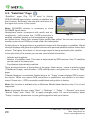
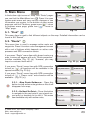
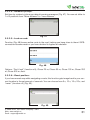
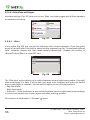
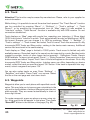
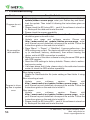
After pressing “Edit” button (
), the group editing
menu will appear, which consists of two pages.
Page 1 (Fig. 40)
“Name” - the selected group name. To change it,
press the field with stylus and use keyboard to enter
new name;
Fig. 41
“Seen on scales” - scale lower limit and upper limit.
Icons of the corresponded group will display between
this values. Lower limit value cannot exceed upper limit value and vice-versa;
“Show POI names” – check this item if you want to see name of each icon on the map.
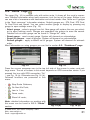
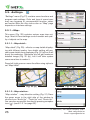
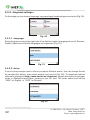
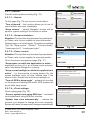
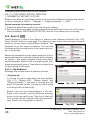
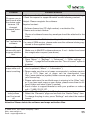
Page 2 (Fig. 41)
Page contains full icons list of current group and allows you to edit POI displaying more precisely. Check the icons you want to see on “Map” page.
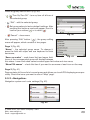
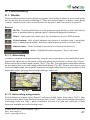
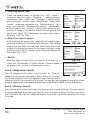
5.5.2. «Navigation».
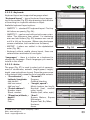
Navigation system and route settings (Fig. 42).
Fig. 42
© 2006-2010, Join Stock Company «CNT»
Web: www.navitel.su
Email: [email protected]
29