1
Ed. 04
Pag 23 of 30
Lynx User Manual
5. UTC, Total, Mission and Flight Time selection
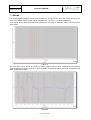
Lynx 2 not only can plot against samples (default), it can plot against all the times used in the AP04
system and even between other crossed parameters.
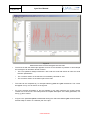
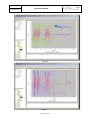
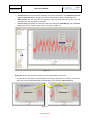
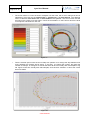
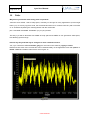
One of the singularities in plots against Mission Time, is that this time can be reset to zero, thus having
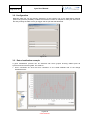
the possibility to have back time jumps like in figure 33:
Figure 33
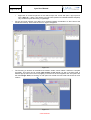
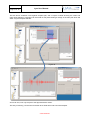
To search for specific parts of the log file it does not make too much sense to use the usual Lynx 2
zooming property, the proper way to zoom in this case is opening the Preferences window inside the
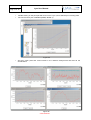
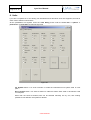
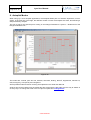
Options main application menubar item and clicking on the Mission Time Selection tab:
Figure 34
CONFIDENCIAL