1
Chapter 4: Web-based Management
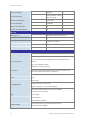
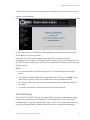
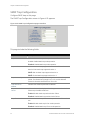
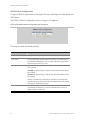
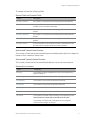
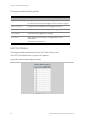
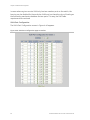
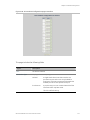
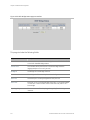
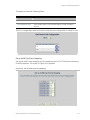
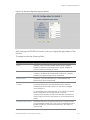
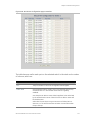
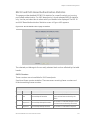
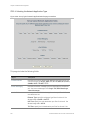
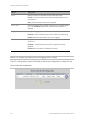
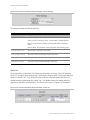
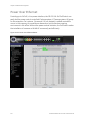
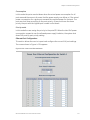
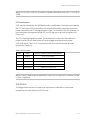
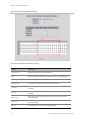
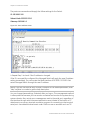
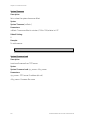
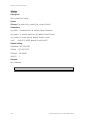
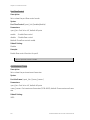
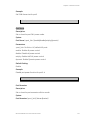
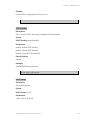
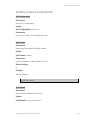
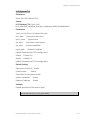
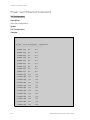
Figure 4-63: Set up Typical Network Application Rules page 2 screenshot
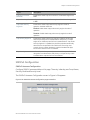
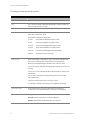
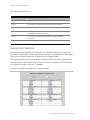
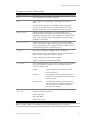
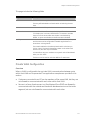
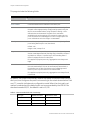
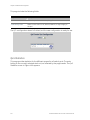
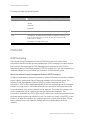
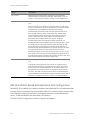
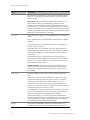
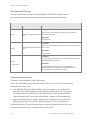
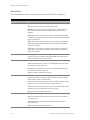
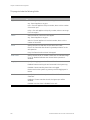
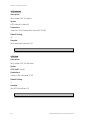
This page includes the following fields:
Object
Description
QCL ID
Select the QCL ID to which these QCEs apply,
Traffic Class
Select a traffic class of Low, Normal, Medium, or High to apply to
the QCE.
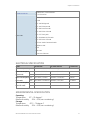
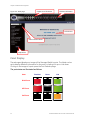
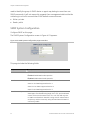
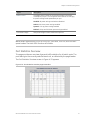
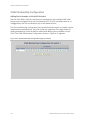
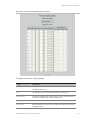
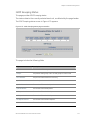
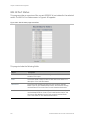
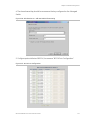
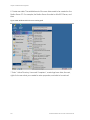
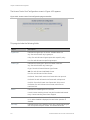
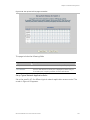
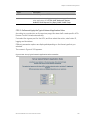
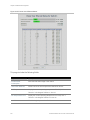
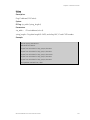
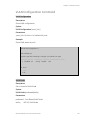
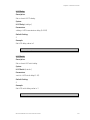
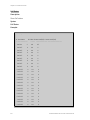
Set up ToS Precedence Mapping
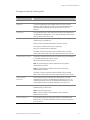
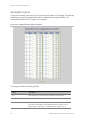
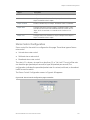
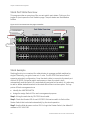
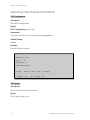
Set up the traffic class mapping to the precedence part of ToS (3 bits) when receiving
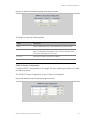
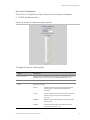
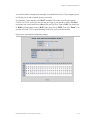
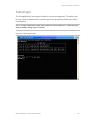
IPv4/IPv6 packets. The screen in Figure 4-64 appears.
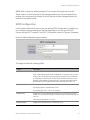
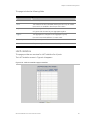
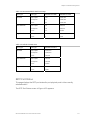
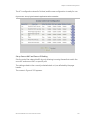
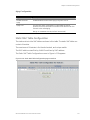
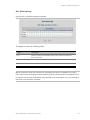
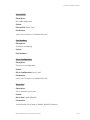
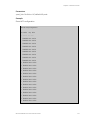
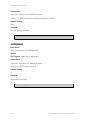
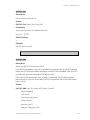
Figure 4-64: Set up ToS Precedence Mapping page screenshot
130
GE-DSG-244/DSSG-244 and 244-PoE User Manual