1
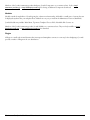
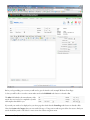
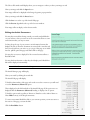
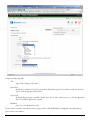
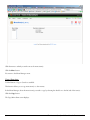
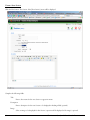
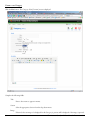
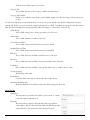
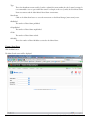
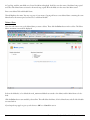
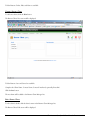
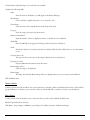
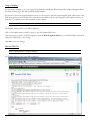
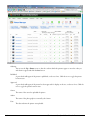
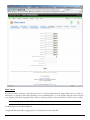
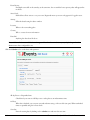
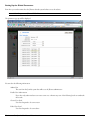
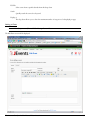
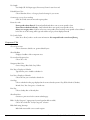
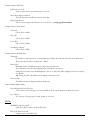
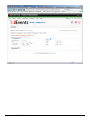
Toolbar Buttons: Save, Apply and Cancel are available.
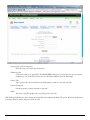
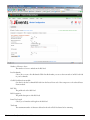
Change the Client Name, Contact Name, Contact E-mail, or Extra Info as required.
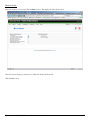
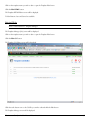
Click the Save button.
Screen returns to Banner Manager.
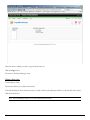
Delete a Banner Client
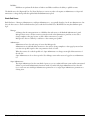
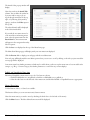
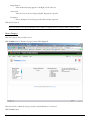
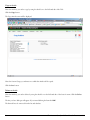
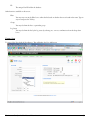
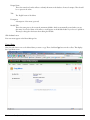
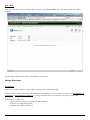
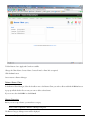
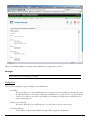
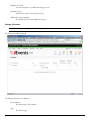
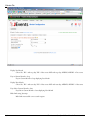
In the Banner Client Manager, Select the checkbox next to the Banner Client you wish to delete and click the Delete button.
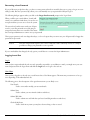
A pop up will ask whether You are sure you want to delete selected items?
If you are sure, then click OK if not click Cancel.
Manage Categories
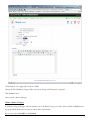
Before you can set up a banner, you must have a category.
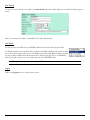
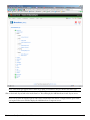
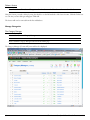
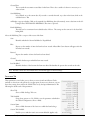
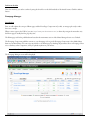
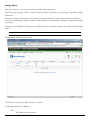
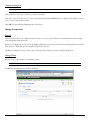
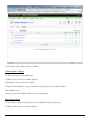
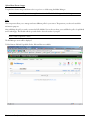
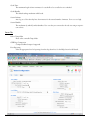
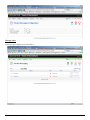
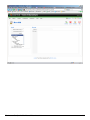
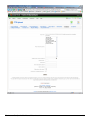
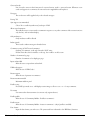
Access: Select Components > Banners > Manage Categories.
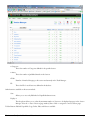
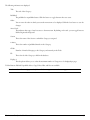
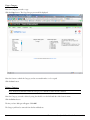
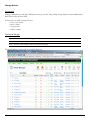
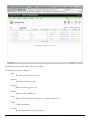
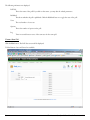
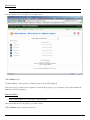
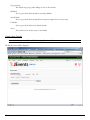
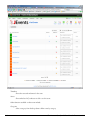
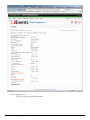
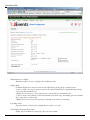
The Banner Category Manager screen will be displayed.
The Artstract Co. - Joomla User Manual - Rev. 2009.04.20
63