1
Organiser
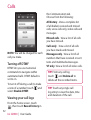
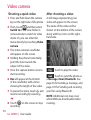
Recording a sound or voice
Sending the voice recording
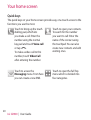
1 Touch
.
2 Touch Voice recorder in Utilities
tap.
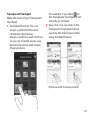
3 Choose where to save the
recording between Handset and
External.
4 Choose recording mode between
General and MMS.
5 Touch Rec. to begin recording.
6 Touch Stop to end recording.
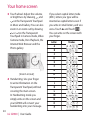
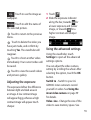
1 Once you have finished
recording, you can send the
audio clip by touching Send.
2 Choose Message, Email or
Bluetooth. If you choose
Message or Email, the recording
will be added to the message
which you can write and send
it as normal. If you choose
Bluetooth, your phone will
search for a device to send the
voice recording to.
Using your calculator
7 If you want to re-record the voice,
touch New .
82
LG GD900 | User Guide
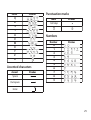
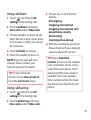
1 From the home screen select
, then scroll to Calculator on
the Utilities tab.
2 Touch the number keys to enter
numbers.
3 For simple calculations, touch the
function you require (+, –, x or ÷),
followed by =.