1
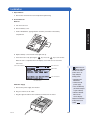
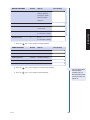
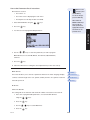
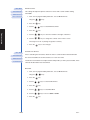
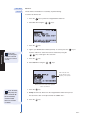
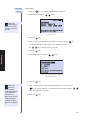
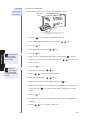
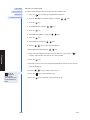
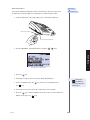
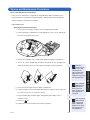
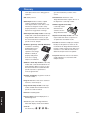
• If you want to see all Misc. Test results, press the
key. All the
Misc. Test results in the Triage MeterPro Meter’s memory for the selected panel will be displayed.
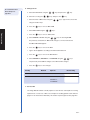
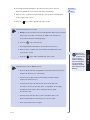
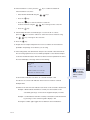
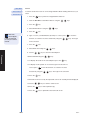
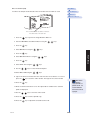
• For individual Misc. Test results:
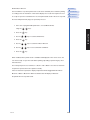
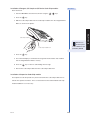
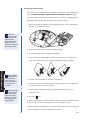
a. Select Misc. Test ID using the
b. Type or scan in the Misc. Test ID. To correct, press the
keys. Then type in the correct ID.
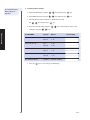
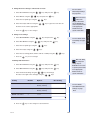
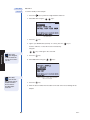
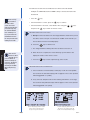
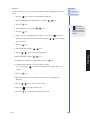
c. To select a Misc. Test ID with alpha characters, use the
to enter alpha characters or use the
character.
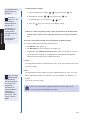
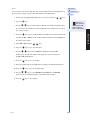
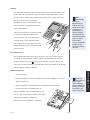
d. Press the
key key in place of the alpha key. All results of the requested Misc. Test ID for the selected panel will be displayed.
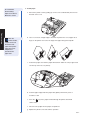
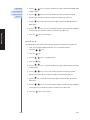
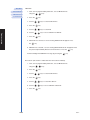
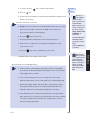
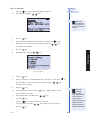
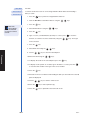
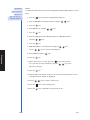
9. Use the
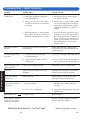
10.Press the
key to make a printed copy.
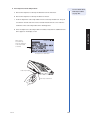
11.Press the
key to upload the selected results to LIS.
Rev F
key to clear the entire ID, or select the incorrect character by using the keys.
keys to view the entire record.
Operation
O-26