1
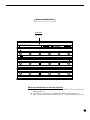
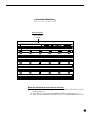
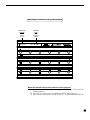
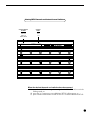
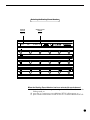
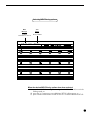
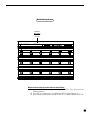
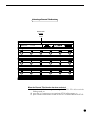
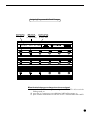
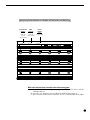
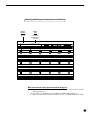
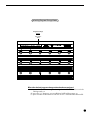
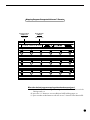
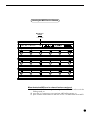
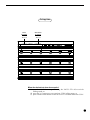
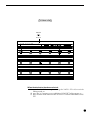
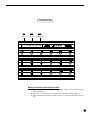
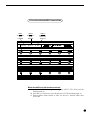
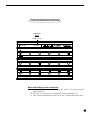
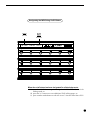
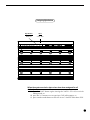
SETUP, Page 6 of 10 - Starting Preset Number Some MIDI devices may use "0" as the first preset number of each MIDI channel, while others may use "1". This page of the SETUP program allows for either "0" or "1" to be selected as the starting preset number for each MIDI channel so that the preset number displayed by the All Access matches the preset number displayed by the MIDI device. To select the starting preset number: 20 () With the 2ND L.E.D. still lit, press the "ð" switch to access the next page of the SETUP program, Starting Preset Number. (If the All Access is not already in SETUP mode, press "2ND", then "SETUP", followed by "ð" five times.) () To select a MIDI channel, use the "INC" and "DEC" switches directly below the currently displayed MIDI channel (the All Access displays the name of the channel given). () To change the starting preset for the displayed MIDI channel, use the "INC" and "DEC" switches directly below the currently displayed starting preset.