1
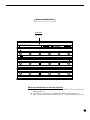
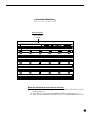
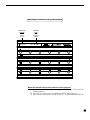
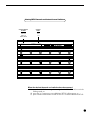
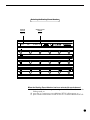
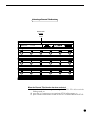
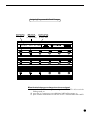
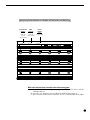
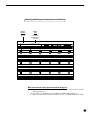
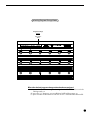
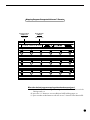
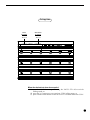
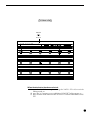
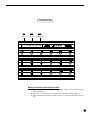
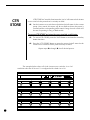
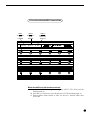
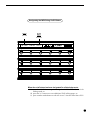
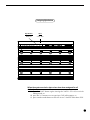
Assigning Control Numbers to Pedals and Instant Access Switches Switch/Pedal MIDI Number Channel select select SW1-15, CH1-16 P1, P2 (or by name) (or by name) sw1 ch1 Control Number select 0-120, OFF cn1 When the desired control numbers have been assigned: (a) press the "2ND" button again (turning the "2ND" L.E.D. off) to exit the editing mode; or (b) press the "ð" button to access additional MIDI editing pages; or (c) press another mode button to edit All Access features other than MIDI. 33