1
Army Management
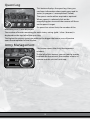
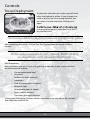
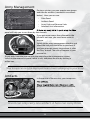
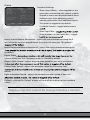
During a mission, you can acquire new troops
and transfer artifacts (see details on artifacts
below). Here you can see:
•
Filter Panel
•
Artifacts Panel
•
Army Units and Reserve Units
•
Selected Unit Information
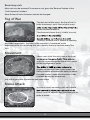
panel will help you to sort them by their branch.
If you get more troops than allowed by the
mission’s unit cap, you must leave some in
reserve.
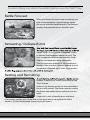
Switch to the army management window and
select the unit you would like to purchase. If
you have enough money to purchase it, click
the “Buy” button. The unit will appear in your
reserve list.
To put units from the reserve onto the map, close the management screen,
switch to the reserve list panel, select a unit, and place the unit by clicking a
yellow hex.
Your troops can only be deployed near a town belonging to your army.
Artifacts
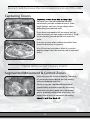
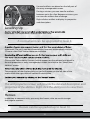
In the course of the mission, your troops can
properties and make certain spells available.
A unit can only carry one artifact. A hero can carry three.
20