1
8-, 16-, AND 24-PORT 1000BASE-TX L2 MANAGED ETHERNET SWITCHES
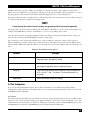
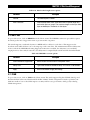
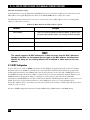
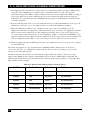
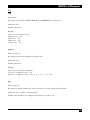
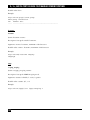
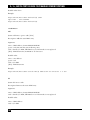
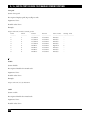
4.12.2 MAC TABLE MAINTENANCE
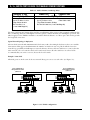
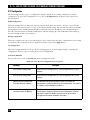
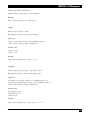
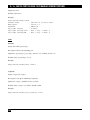
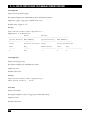
To get to this screen, click on MAC Table Maintenance in the MAC Table menu. This function allows the user
to set up the MAC table’s processing mechanism. An idle MAC address exceeding MAC Address Age-out Time
will be removed from the MAC Table. The range of Age-out Time is 10–65535 seconds, and the time setup has
no effect on static MAC addresses.
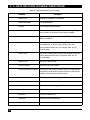
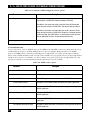
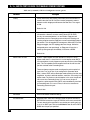
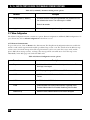
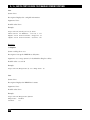
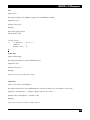
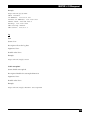
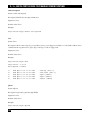
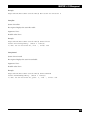
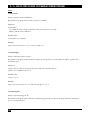
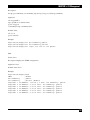
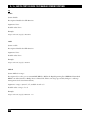
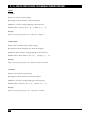
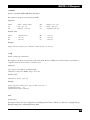
Table 4-33. MAC Table Maintenance screen options.
Parameter
Description
Aging Time
Select Enable or Disable from the drop-down menu. If you select
Enable, the switch will delete a MAC address idling for a period of time
from the MAC Table. This will not affect the static MAC address. Type
in the MAC address. The range of MAC Address Aging Time is
10–65535 seconds. The default Aging Time is 300 seconds.
Apply button
Click on this button to apply the settings.
Flush button
Click on this button to remove all entries that do not belong to the
static Mac entry from the MAC Table.
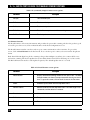
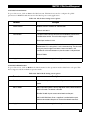
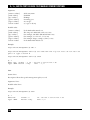
4.12.3 STATIC FORWARD
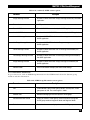
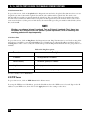
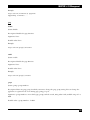
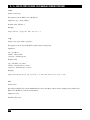
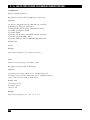
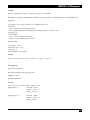
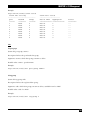
Static Forward is a function that allows the user in the Static Forward table to access a specified switch port. A
Static Forward table associated with a switch’s specified port is set up by manually typing in a MAC address and
its alias name. To get to the Static Forward screen, click on Static Forward in the MAC Table menu.
When a MAC address is assigned to a specific port, all of the switch’s traffic sent to this MAC address will be
forwarded to this port.
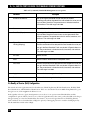
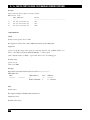
To add a MAC address entry in the allowed table, simply fill in four parameters: MAC address, associated port,
VID, and Alias. Select the existing MAC address entry you want. Click on the Delete button to remove it.
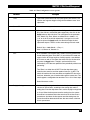
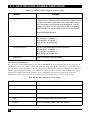
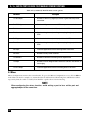
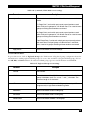
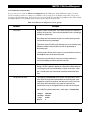
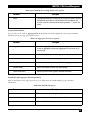
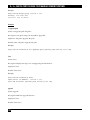
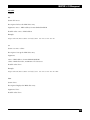
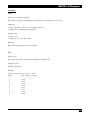
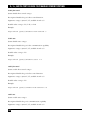
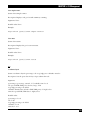
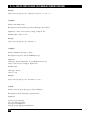
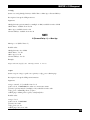
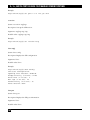
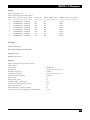
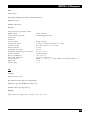
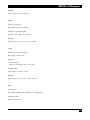
Table 4-34. Static Forward screen options.
Parameter
68
Description
MAC
A six-byte-long Ethernet hardware address that’s usually expressed
by hex and separated by hyphens. (For example, 00-40-C7-D6-00-01.)
Port No.
The switch’s port number (1–8).
VID
VLAN identifier. This will be filled only when tagged VLAN is applied.
Valid range is 1–4094.
Alias
MAC alias name that you assign.
Add button
Click on this button to add the settings.
Delete button
Click on this button to delete the settings.